What if you could turn your wildest imagination into stunning, cinematic reality just by typing a sentence? Google’s latest innovation is making that possible. Welcome to the complete beginner’s Google Veo 3 tutorial, where we’ll walk you through exactly how to use this mind-blowing AI video generator, from your first prompt to your final masterpiece.
Google just released Veo 3, an AI video tool that transforms simple text prompts into high-quality, cinematic videos. In this guide, we’ll cover how to get started, write effective prompts, and unlock the most powerful features of this game-changing technology—even if you’re brand new to AI video creation.
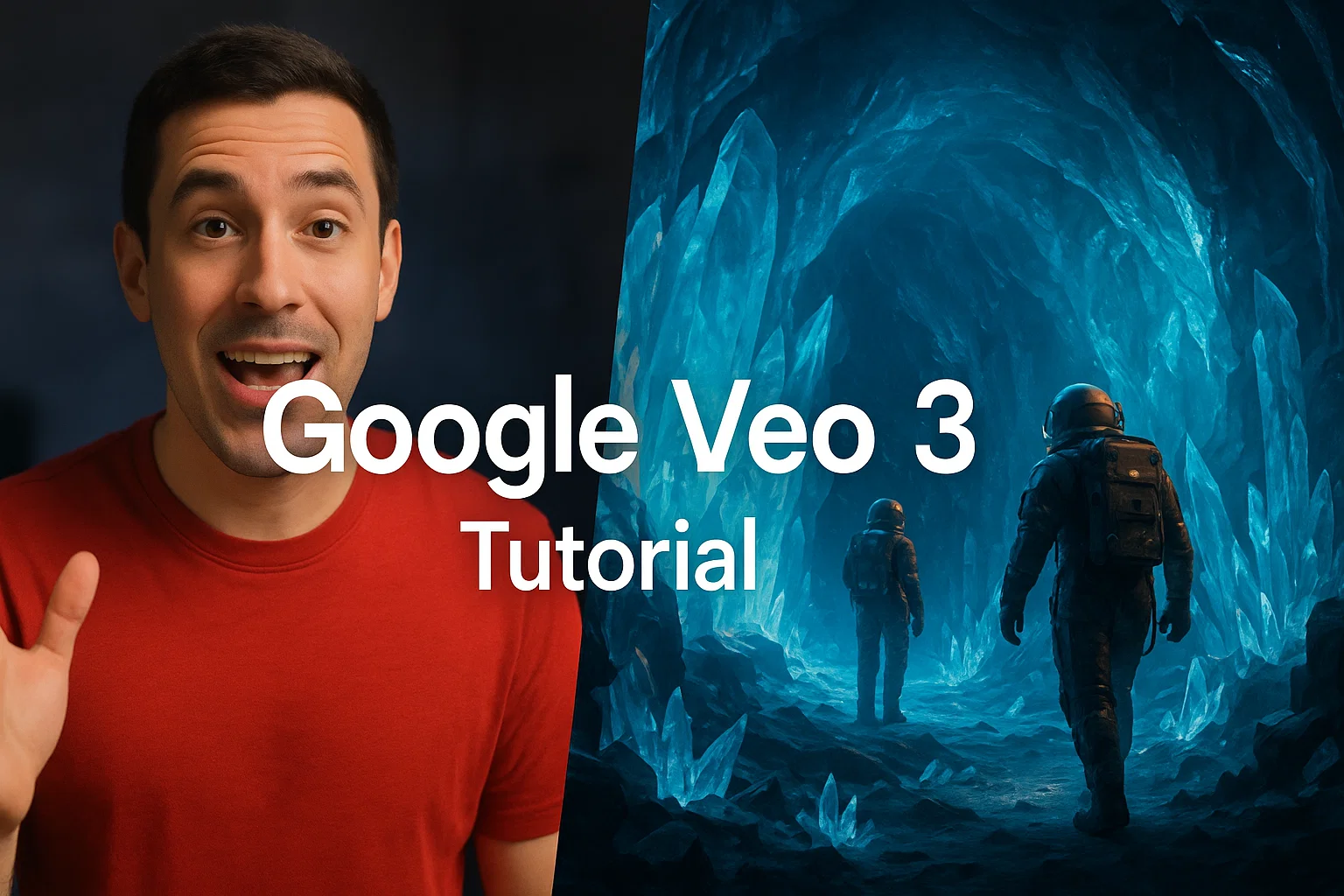
Turn simple prompts into cinematic reality with Google Veo 3.
Veo 3 is Google’s latest and most advanced AI video generation model, developed by the brilliant minds at DeepMind. It allows you to create incredibly polished videos from nothing more than a text prompt.
Unlike many other AI tools, Veo 3 has a deep understanding of cinematic language. It comprehends concepts like:
Camera Movement: Specify drone shots, slow pans, or time-lapses.
Lighting & Composition: Describe the mood with terms like “dramatic lighting,” “golden hour,” or “eerie twilight.”
Visual Styles: Generate everything from photorealistic scenes to animated shorts.
But what truly sets it apart is its ability to generate a complete audio-visual experience. Veo 3 doesn’t just create silent clips; it automatically adds background music, ambient sound effects, and even voice narration that matches the scene, making the results feel incredibly natural and complete.
How to Get Access to Google Veo 3
To use Veo 3, you need a paid Google One AI Premium plan. The good news is that you can get a free trial for the first month, giving you a chance to explore everything this powerful tool can do.
Both the Google AI Pro and Google AI Ultra plans include access to Veo 3. In addition to video generation, these plans bundle other premium features like advanced Gemini capabilities directly in Google Docs and Gmail, plus a massive 2TB of cloud storage.
How to Use Google Veo 3: A Step-by-Step Guide
Once you’ve signed up for a plan, this part of our Google Veo 3 tutorial will show you just how easy it is to start creating.
Go to Gemini: Head over to gemini.google.com and sign in with your Google account.
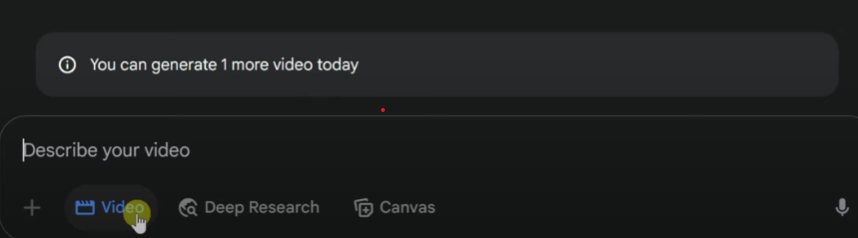
Activate the Video Tool: At the bottom of the chat interface, you’ll see a prompt field. Below it, click on the tool labeled “Video”. This activates Veo 3 for your next prompt.
Write Your Prompt: This is where the magic happens. Be as descriptive as possible. The more detail you provide, the closer the result will be to your vision. For example:A cinematic slow-motion shot of freshly baked chocolate chip cookies being pulled out of the oven in a cozy, sunlit kitchen. Warm lighting, soft focus, steam rising, and gentle background music.
Submit and Generate: Hit the submit button and let Veo 3 work its magic. In a short time, your video will be ready to view!
Simply click the “Video” button in Gemini to start your creation.
Adding Narration to Your Videos
One of Veo 3’s coolest features is adding custom narration. To do this, simply include the word Narration: in your prompt, followed by the text you want spoken enclosed in quotation marks.
For example: ...Narration: "History is being made — the Kevin Cookie Company unveils the world’s largest chocolate chip cookie."
Veo will generate a fitting voice to speak your lines, complete with appropriate background music and sound effects, creating a truly impressive final product.
Advanced Prompting: Let Gemini Be Your Creative Partner
Not sure how to phrase your prompt to get that epic, cinematic feel? Just ask Gemini for help!
Since Veo 3 is integrated into Gemini, you can use the same chat interface to brainstorm and refine your ideas. Before activating the video tool, simply ask Gemini for help. For example, you could type:
"Can you help me write a cinematic video prompt about a team of bakers making the world’s largest cookie?"
Gemini will provide you with several detailed options, including suggestions for strong adjectives (epic, colossal), camera shots (close-up, wide shot), lighting, and sound. You can then copy, paste, and tweak these suggestions to create the perfect prompt. It’s a fantastic trick to get the best results.
If you ever want to revisit a video you created earlier, it’s incredibly simple.
On the left-hand side of the Gemini interface, you’ll see a list of your “Recent” chats. Simply click on the chat conversation where you generated the video. The video will be right there in the chat history.
To download it, hover your mouse over the video, and a download icon will appear in the top-right corner. Click it to save an MP4 file of your creation directly to your computer.
Final Thoughts: The Future is Here
With tools like Google Veo 3, we’ve officially entered an era where professional-quality video creation is accessible to everyone. The line between what’s real and what’s generated by AI is becoming increasingly blurry.
As you start your journey with this incredible tool, you’ll unlock a new level of creative freedom. So go ahead, give it a try, and see what you can bring to life from your imagination.
The recent joint statement from Microsoft and OpenAI has reaffirmed their long-term AI partnership, as reported by FutureTools News. This commitment to collaboration is expected to drive innovation in the field of artificial intelligence and shape the future of technology. The partnership between Microsoft and OpenAI has been instrumental in developing cutting-edge AI solutions, including the integration of OpenAI’s models with Microsoft’s Azure cloud platform.
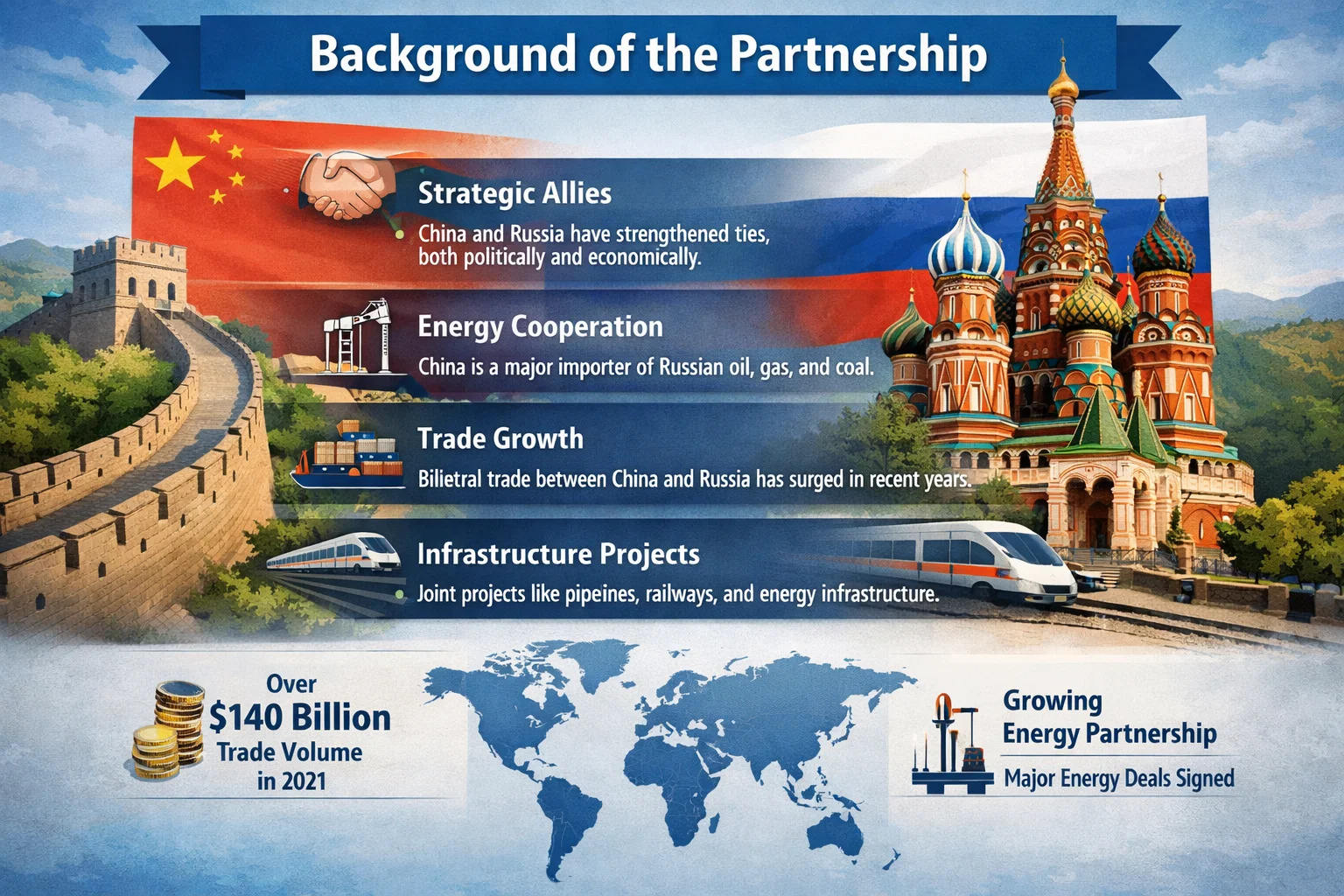
Background of the Partnership
The partnership between Microsoft and OpenAI was formed with the goal of advancing the field of artificial intelligence and developing new technologies that can benefit society. The collaboration has led to significant breakthroughs in areas such as natural language processing and computer vision. The joint statement from Microsoft and OpenAI emphasizes their shared commitment to responsible AI development and the importance of ensuring that AI systems are aligned with human values.
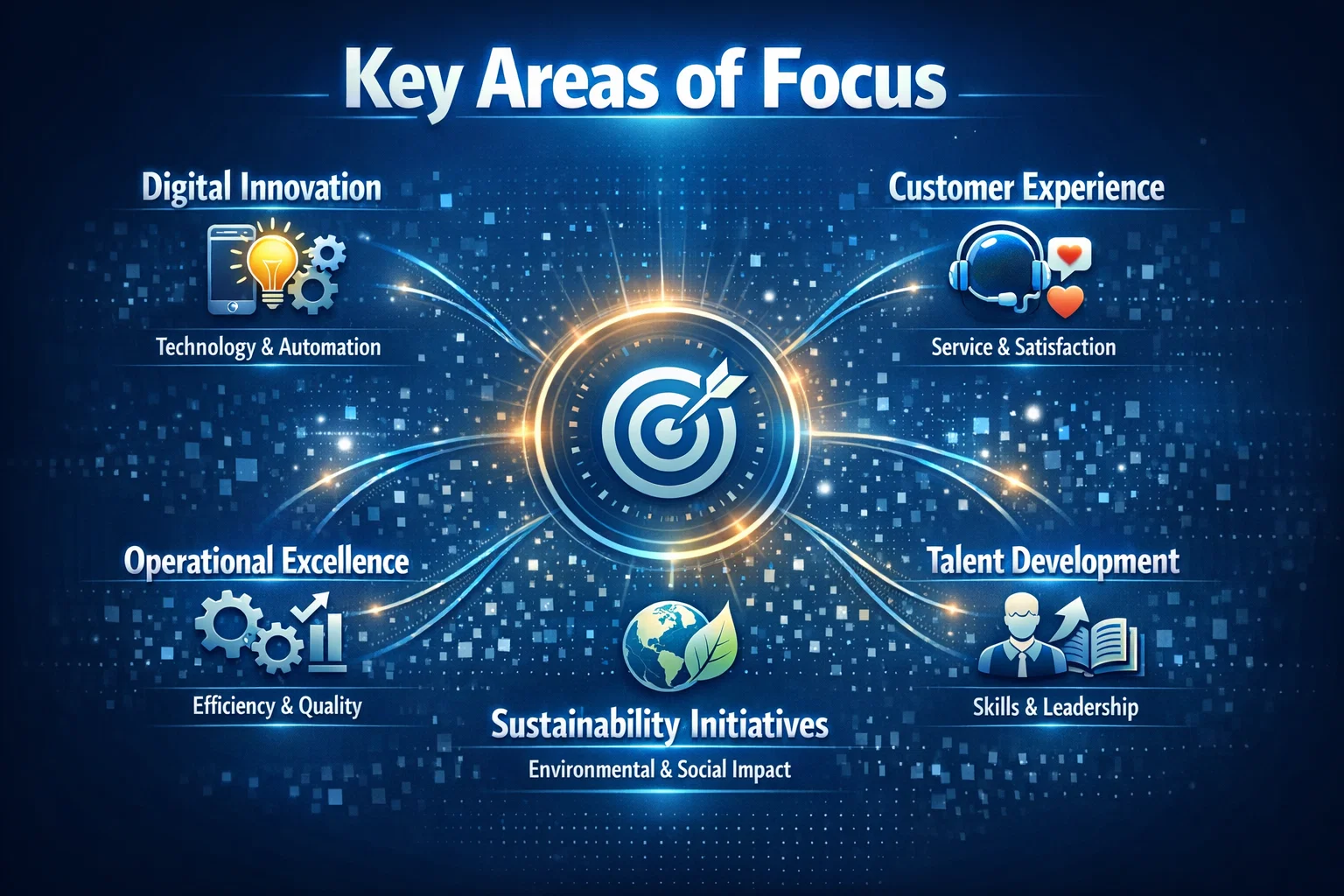
Key Areas of Focus
The partnership between Microsoft and OpenAI is focused on several key areas, including the development of large language models and the integration of AI with other technologies such as GitHub and AWS. The goal is to create AI systems that can learn and improve over time, and that can be used to solve complex problems in areas such as healthcare and education. As stated by a Microsoft spokesperson,
The partnership between Microsoft and OpenAI is a key part of our strategy to advance the field of artificial intelligence and to develop new technologies that can benefit society. We are committed to working together to ensure that AI systems are developed and used in ways that are responsible and aligned with human values.
Future Directions
The joint statement from Microsoft and OpenAI also highlights their plans for future collaboration and innovation. The partners are expected to continue working together to develop new AI technologies and to explore new applications for AI in areas such as cybersecurity and sustainability. The partnership is also expected to drive innovation in the field of AI ethics and to promote the development of AI systems that are transparent, explainable, and fair. As the field of artificial intelligence continues to evolve, the partnership between Microsoft and OpenAI is likely to play a significant role in shaping the future of technology and ensuring that AI systems are developed and used in ways that benefit society.
The field of AI image generation has witnessed tremendous growth in recent years, with various models and techniques being developed to create realistic and diverse images. As reported by The Rundown AI, the latest advancements in this field have led to the emergence of a new top banana in AI image generation. This article will delve into the details of this new development and explore its potential applications.
Introduction to AI Image Generation
AI image generation refers to the use of artificial intelligence algorithms to create images that are similar to those produced by humans. This technology has numerous applications, including computer vision, robotics, and gaming. The process of AI image generation involves training a model on a large dataset of images, which enables it to learn patterns and features that can be used to generate new images.
The New Top Banana in AI Image Generation
According to The Rundown AI, the new top banana in AI image generation is a model developed by Anthropic, a leading AI research organization. This model has demonstrated exceptional capabilities in generating high-quality images that are comparable to those produced by humans. The model’s architecture is based on a combination of deep learning and machine learning techniques, which enables it to learn complex patterns and features from large datasets.
The new top banana in AI image generation has the potential to revolutionize the field of computer vision and enable the development of more sophisticated AI-powered applications.
Applications of AI Image Generation
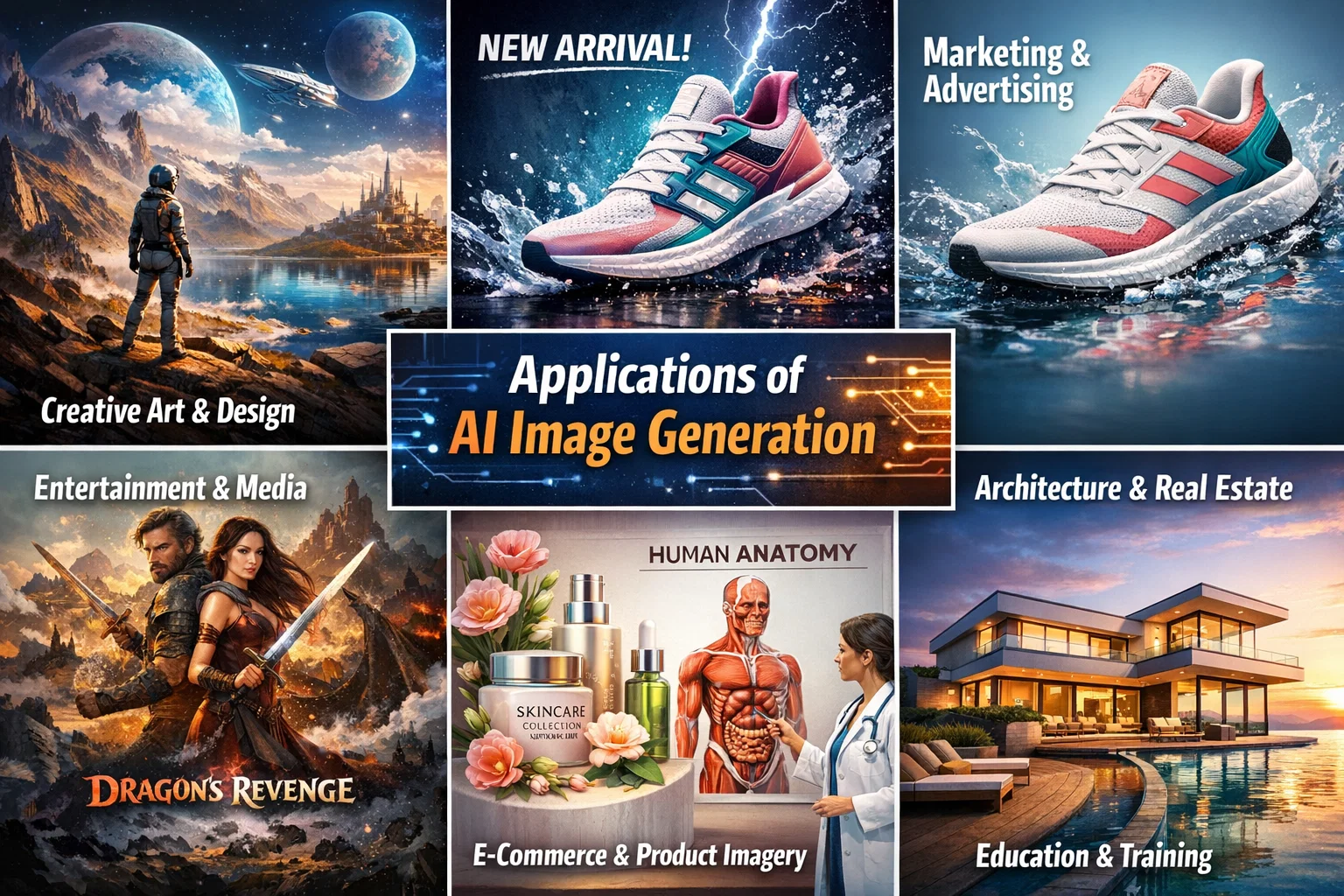
The applications of AI image generation are diverse and widespread. Some of the most significant applications include computer vision, robotics, gaming, and healthcare. In computer vision, AI image generation can be used to create synthetic images that can be used to train models for object detection, segmentation, and recognition. In robotics, AI image generation can be used to create realistic simulations of environments, which can be used to train robots to navigate and interact with their surroundings.
Creating an AI Assistant with its Own Phone Number
In addition to AI image generation, The Rundown AI also provides information on how to create an AI assistant with its own phone number. This can be achieved using a combination of natural language processing and machine learning techniques, which enable the AI assistant to understand and respond to voice commands. The AI assistant can be integrated with various platforms, including GitHub, to enable seamless communication and interaction.
Conclusion
In conclusion, the new top banana in AI image generation has the potential to revolutionize the field of computer vision and enable the development of more sophisticated AI-powered applications. The applications of AI image generation are diverse and widespread, and the technology has the potential to transform various industries, including healthcare, gaming, and robotics. As reported by The Rundown AI, the future of AI image generation looks promising, and we can expect to see significant advancements in this field in the coming years.
The concept of intelligence ownership has been gaining traction in recent years, and for good reason. As Cisco has demonstrated, owning intelligence rather than renting it can be a game-changer for enterprises looking to scale their operations securely. According to a recent article by The Rundown AI, Cisco’s strategy to scale agents securely and reshape enterprise workflows is a prime example of this shift.
The Importance of Intelligence Ownership
Owning intelligence means having control over the data, algorithms, and insights that drive business decisions. This is particularly crucial in today’s fast-paced, data-driven world, where artificial intelligence and machine learning are becoming increasingly prevalent. By owning their intelligence, enterprises can ensure that their systems are secure, transparent, and aligned with their overall goals.
Scaling Agents Securely with Cisco
Cisco’s approach to scaling agents securely is centered around the idea of intelligence ownership. By developing and owning their own AI-powered agents, Cisco is able to ensure that their systems are secure, efficient, and tailored to their specific needs. This approach has allowed Cisco to reshape their enterprise workflows and improve overall productivity. As AWS and other cloud providers continue to evolve, the importance of owning intelligence will only continue to grow.
Cisco’s strategy is a great example of how owning intelligence can help enterprises scale their operations securely and efficiently. By taking control of their data and algorithms, companies can ensure that their systems are aligned with their overall goals and values.
The Benefits of Owning Intelligence
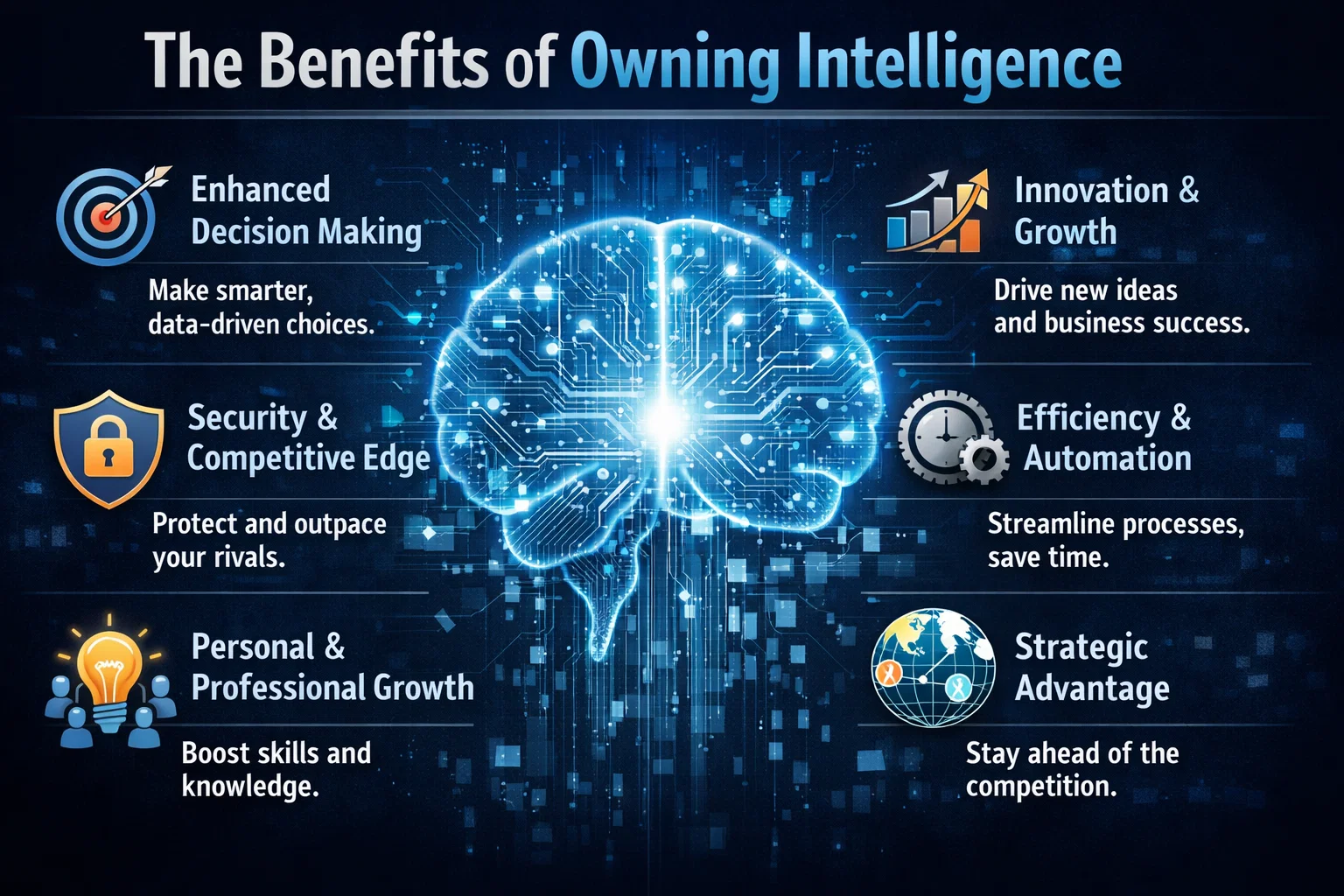
So why should enterprises prioritize intelligence ownership? The benefits are numerous. For one, owning intelligence provides a level of control and transparency that is difficult to achieve with rented intelligence. It also allows enterprises to develop systems that are tailored to their specific needs and goals, rather than relying on generic, off-the-shelf solutions. Additionally, owning intelligence can help enterprises to improve their overall security posture, as they are able to develop and implement their own security protocols and measures.
In contrast, rented intelligence can be limiting and inflexible. When enterprises rely on rented intelligence, they are often at the mercy of the provider, with limited control over the data, algorithms, and insights that drive their business decisions. This can lead to a lack of transparency, security risks, and a general sense of disempowerment.
Real-World Applications
So what does intelligence ownership look like in practice? One example is the development of custom GitHub repositories, which allow enterprises to own and control their code and data. Another example is the use of Azure and other cloud platforms to develop and deploy custom AI-powered solutions. By taking control of their intelligence, enterprises can develop systems that are tailored to their specific needs and goals, and that provide a level of security, transparency, and efficiency that is difficult to achieve with rented intelligence.