Have you ever looked at a stunning app mockup and wished you could just “vibe” it into existence? With the power of modern AI, that’s closer to reality than you think. This guide will walk you through the ultimate workflow for vibe coding UI design, a method that lets you transform a simple image into a fully functional, modern web application using Google’s Gemini Code Assist.
We’ll cover everything from setting up your tools to iterating on design with AI, and even converting the final product into a production-ready Next.js app. Get ready to supercharge your development process!
Before we start our vibe coding UI design session, we need the right tool. Our primary assistant will be Gemini Code Assist, Google’s AI-powered coding companion that integrates directly into your code editor.
Navigate to the Extensions marketplace in Visual Studio Code.
Search for “Gemini Code Assist” (published by Google).
Click “Install”.
Once installed, you’ll see a new Gemini icon in your activity bar. Click on it and sign in with your Google account to authenticate the extension.
Pro Tip: To unlock the full “Agent” mode with advanced tools, you may need to add a specific setting to your VS Code settings.json file. Open your user settings and add the following line: "gemini.codeassist.updateChannel": "insiders". This enables agent capabilities like reading and writing files directly.
You don’t need to be a designer to start. We can pull inspiration from a variety of sources to get a high-quality visual target. Two excellent platforms for this are:
Mobbin.com: A fantastic resource for real-world app screenshots and design patterns.
Dribbble.com: A hub for designers to showcase their creative work, perfect for finding modern UI templates.
For this tutorial, we found a sleek, dark-themed messenger app concept on Dribbble. We saved the image of the UI and are now ready to feed it to Gemini.
Our target UI design: a dark-themed web messenger concept.
With the mockup image (e.g., mockup.png) in our project directory, we can craft our initial prompt for Gemini. The key to a good result is providing clear, specific instructions. Here’s a prompt template:
“Act as a senior frontend engineer and designer. Your task is to design and build the user interface for a responsive chat messaging web application based on the provided image. Adopt its visual style, font (e.g., ‘Archivo’), and color palette (e.g., Main Background: #1d1b2e). The design should be modern and dark-themed with rounded corners.”
By providing the image as context and giving these specific instructions, Gemini will generate the initial index.html and style.css files, creating a solid foundation.
Step 3: The Power of AI Version Control for Iteration
Working with AI can be unpredictable. Sometimes, the AI will make a change you don’t like, and it can be hard to go back. This is where AI version control becomes essential. While Git is great for manual changes, a tool built for AI-driven workflows is a game-changer.
We’ll use a tool called YOYO, an AI Version Control extension for VS Code. You can find more information about similar tools in our AI Tools & Reviews section.
YOYO allows you to:
Save a snapshot of your code at any point, like taking a screenshot before the AI makes changes.
Preview and Restore previous versions with a single click.
Undo AI mistakes instantly without losing your entire chat context.
Before asking Gemini to make more changes, we’ll open the YOYO panel and click “Save New Version,” giving it a descriptive note like “Initial UI design from mockup.” This gives us a safety net to fall back on.
Step 4: Refining the UI with Better Prompts
The initial output is good, but not perfect. We notice the list of conversations is a horizontal row of avatars instead of a vertical list. We can now use Gemini to fix this.
Because we have AI version control, we can confidently ask the AI to make significant changes. If it messes up, we simply restore the previous version. Here’s a refined prompt:
“Please refine the UI design. The main issue is the horizontal avatar list. Correct the Chat List Layout: the conversation list should be a single, vertical list. Match the List Style: Ensure the active/selected chat has a solid accent color background, just like in the ideal design.”
This level of detail helps guide the AI to produce a much more accurate result that aligns with our target mockup.
Step 5: Troubleshooting Common Issues (Like API Limits)
While developing, we hit a “Quota exceeded” error from the Gemini API. This is a common issue with free tiers. The Gemini Code Assist extension is free for any Gmail account but comes with daily request limits.
The quickest way to solve this is to simply:
Sign out of Gemini Code Assist within VS Code.
Sign back in with a different Gmail account.
This instantly resets your request quota for the new session, allowing you to continue your vibe coding UI design work without interruption.
Step 6: Converting Static Code to a Functional Next.js App
Now for the final, most powerful step. We have great-looking static HTML and CSS, but we want a real, functional application. We can ask Gemini to convert this into a complete Next.js project.
This requires a comprehensive, multi-step prompt that outlines the entire project structure, technology stack, and components. Here’s a summary of the instructions we give to the agent:
Primary Role: Act as an expert senior frontend developer specializing in Next.js, TypeScript, and Tailwind CSS.
Project Goal: Convert the existing static HTML and CSS into a fully functional, modern Next.js web application.
Project Structure: Define the file structure, including the /app, /components, and – /lib directories.
Create Reusable Components: Instruct the AI to break down the UI into individual React components (e.g., Avatar.tsx, ChatListItem.tsx, ChatWindow.tsx).
Implement Mock Data: Create a separate file (e.g., lib/mockData.ts) to store all the sample data needed to populate the UI.
Build the Main Page: Assemble the components in the main app/page.tsx file.
After providing this detailed prompt and including the existing index.html and style.css as context, Gemini will generate all the necessary files and components for a complete Next.js chat application. All that’s left is to run npm install and npm run dev to see your fully-realized app in action!
For more deep-dives into advanced AI workflows, check out our other AI How-To’s & Tricks.
The recent joint statement from Microsoft and OpenAI has reaffirmed their long-term AI partnership, as reported by FutureTools News. This commitment to collaboration is expected to drive innovation in the field of artificial intelligence and shape the future of technology. The partnership between Microsoft and OpenAI has been instrumental in developing cutting-edge AI solutions, including the integration of OpenAI’s models with Microsoft’s Azure cloud platform.
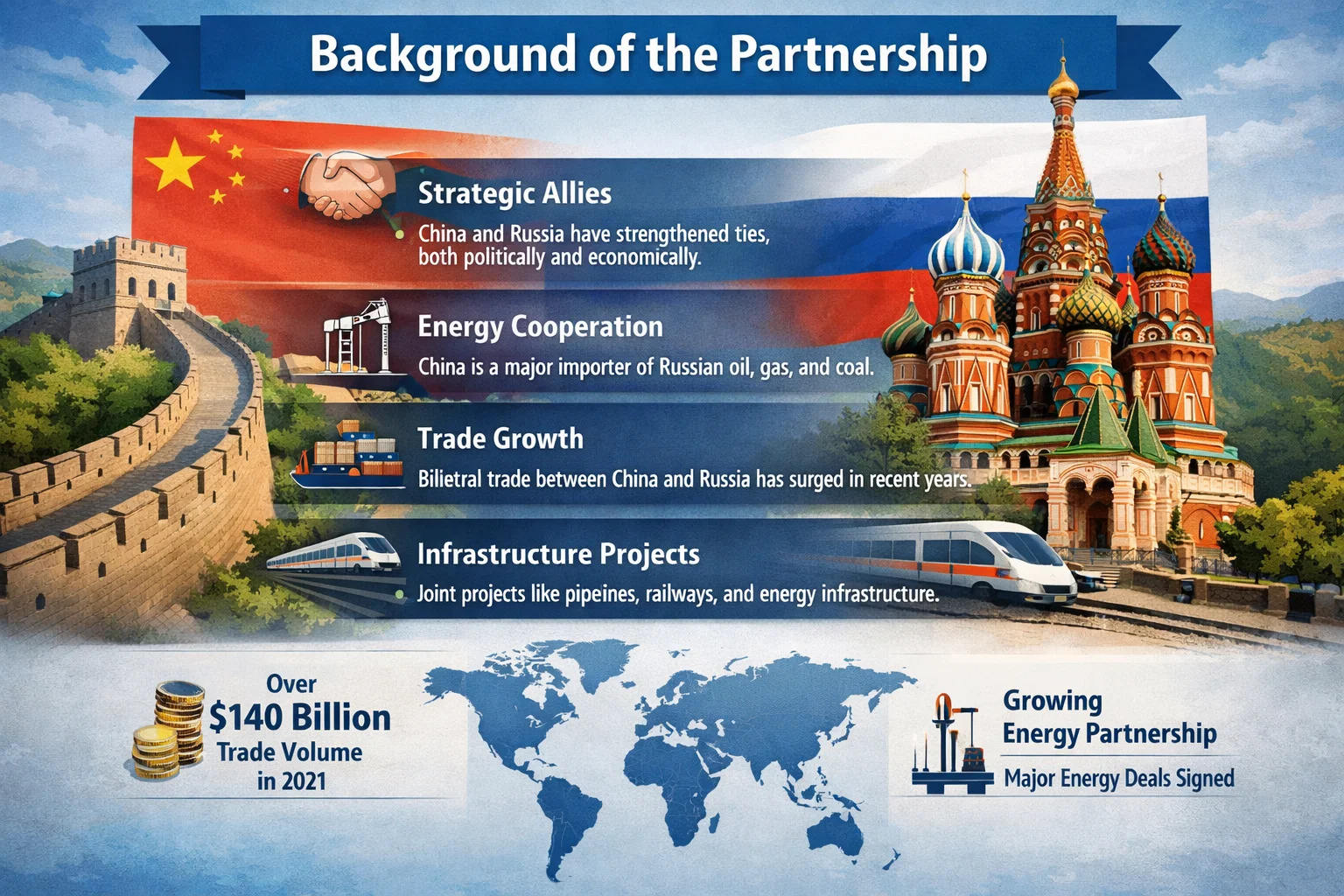
Background of the Partnership
The partnership between Microsoft and OpenAI was formed with the goal of advancing the field of artificial intelligence and developing new technologies that can benefit society. The collaboration has led to significant breakthroughs in areas such as natural language processing and computer vision. The joint statement from Microsoft and OpenAI emphasizes their shared commitment to responsible AI development and the importance of ensuring that AI systems are aligned with human values.
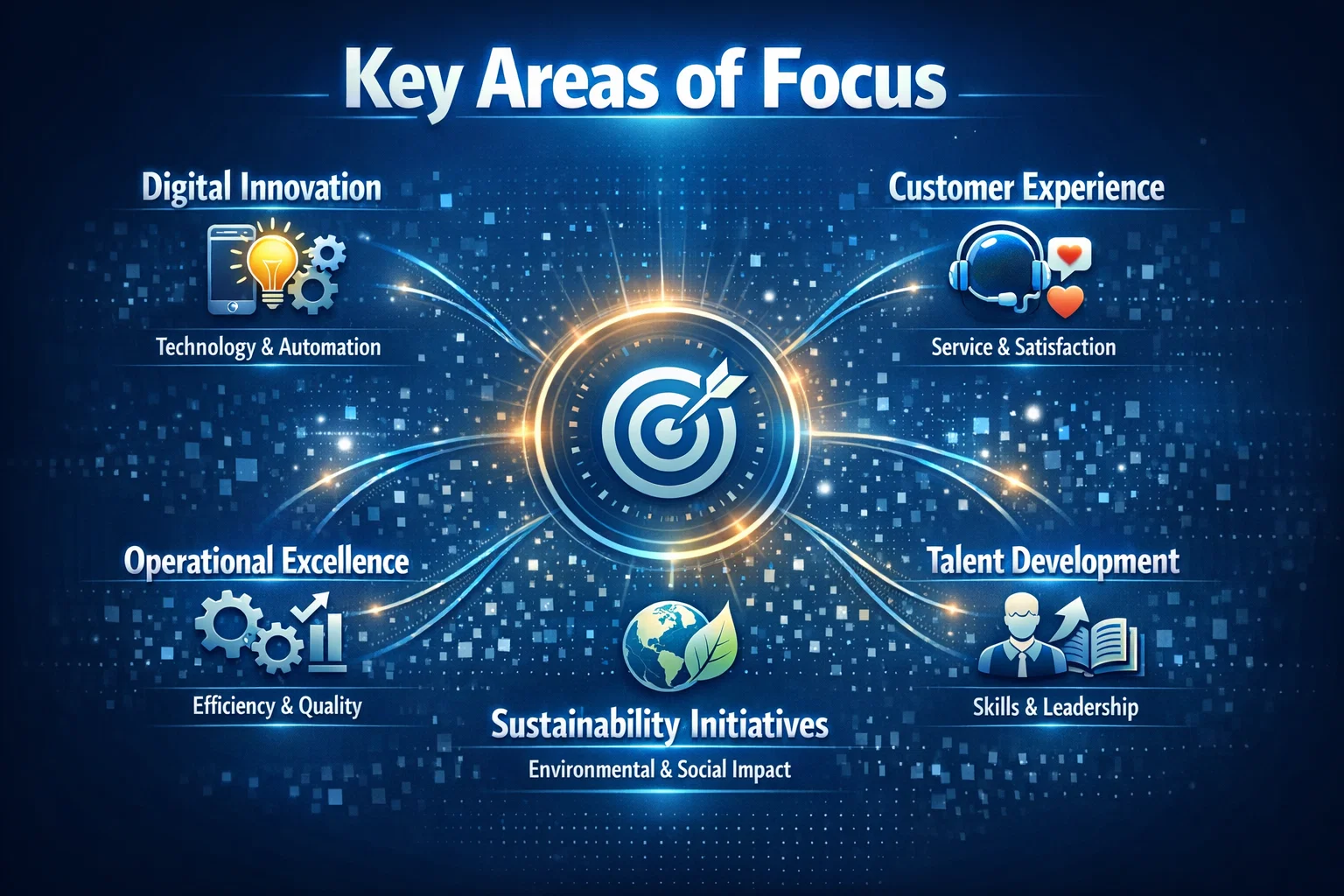
Key Areas of Focus
The partnership between Microsoft and OpenAI is focused on several key areas, including the development of large language models and the integration of AI with other technologies such as GitHub and AWS. The goal is to create AI systems that can learn and improve over time, and that can be used to solve complex problems in areas such as healthcare and education. As stated by a Microsoft spokesperson,
The partnership between Microsoft and OpenAI is a key part of our strategy to advance the field of artificial intelligence and to develop new technologies that can benefit society. We are committed to working together to ensure that AI systems are developed and used in ways that are responsible and aligned with human values.
Future Directions
The joint statement from Microsoft and OpenAI also highlights their plans for future collaboration and innovation. The partners are expected to continue working together to develop new AI technologies and to explore new applications for AI in areas such as cybersecurity and sustainability. The partnership is also expected to drive innovation in the field of AI ethics and to promote the development of AI systems that are transparent, explainable, and fair. As the field of artificial intelligence continues to evolve, the partnership between Microsoft and OpenAI is likely to play a significant role in shaping the future of technology and ensuring that AI systems are developed and used in ways that benefit society.
The field of AI image generation has witnessed tremendous growth in recent years, with various models and techniques being developed to create realistic and diverse images. As reported by The Rundown AI, the latest advancements in this field have led to the emergence of a new top banana in AI image generation. This article will delve into the details of this new development and explore its potential applications.
Introduction to AI Image Generation
AI image generation refers to the use of artificial intelligence algorithms to create images that are similar to those produced by humans. This technology has numerous applications, including computer vision, robotics, and gaming. The process of AI image generation involves training a model on a large dataset of images, which enables it to learn patterns and features that can be used to generate new images.
The New Top Banana in AI Image Generation
According to The Rundown AI, the new top banana in AI image generation is a model developed by Anthropic, a leading AI research organization. This model has demonstrated exceptional capabilities in generating high-quality images that are comparable to those produced by humans. The model’s architecture is based on a combination of deep learning and machine learning techniques, which enables it to learn complex patterns and features from large datasets.
The new top banana in AI image generation has the potential to revolutionize the field of computer vision and enable the development of more sophisticated AI-powered applications.
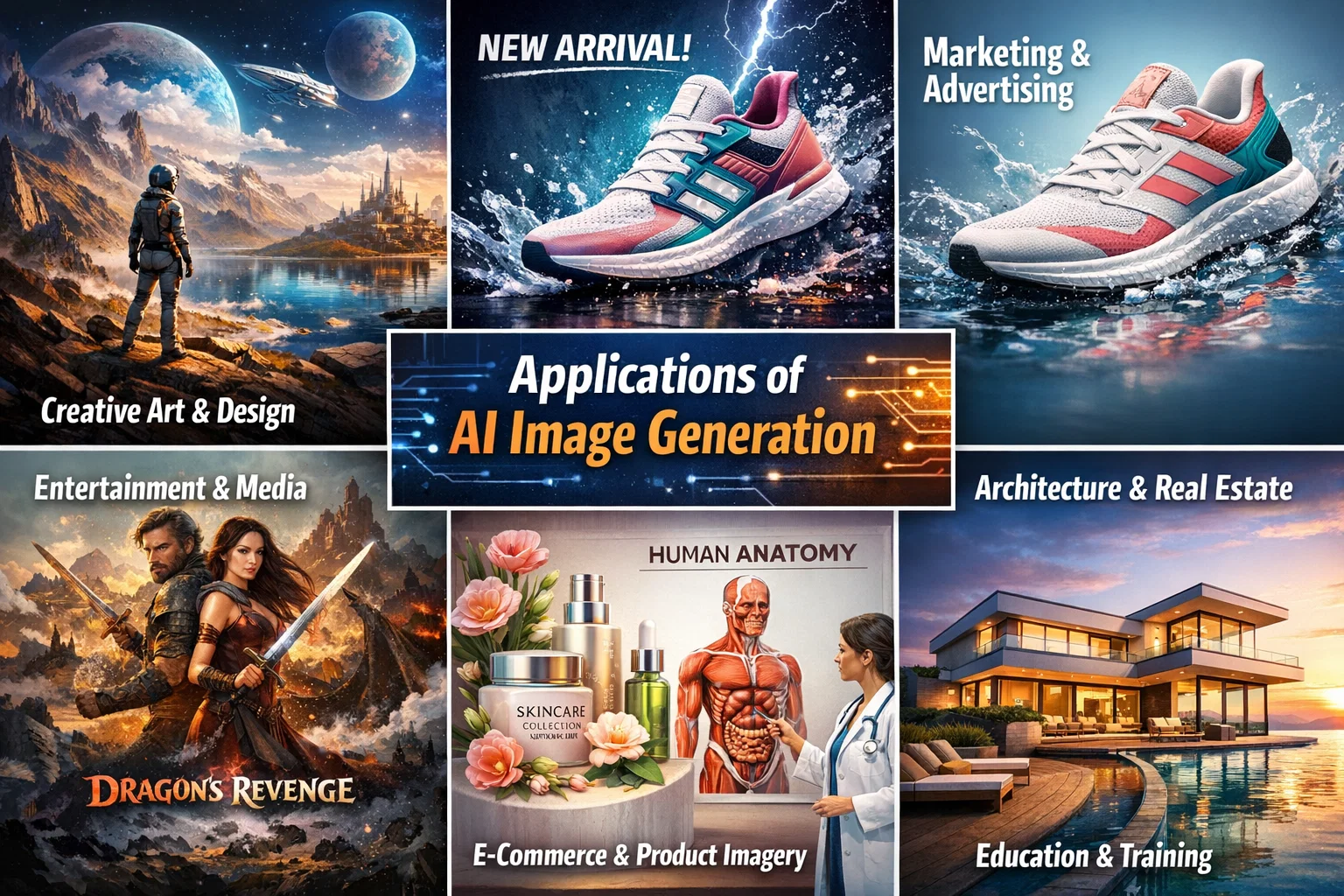
Applications of AI Image Generation
The applications of AI image generation are diverse and widespread. Some of the most significant applications include computer vision, robotics, gaming, and healthcare. In computer vision, AI image generation can be used to create synthetic images that can be used to train models for object detection, segmentation, and recognition. In robotics, AI image generation can be used to create realistic simulations of environments, which can be used to train robots to navigate and interact with their surroundings.
Creating an AI Assistant with its Own Phone Number
In addition to AI image generation, The Rundown AI also provides information on how to create an AI assistant with its own phone number. This can be achieved using a combination of natural language processing and machine learning techniques, which enable the AI assistant to understand and respond to voice commands. The AI assistant can be integrated with various platforms, including GitHub, to enable seamless communication and interaction.
Conclusion
In conclusion, the new top banana in AI image generation has the potential to revolutionize the field of computer vision and enable the development of more sophisticated AI-powered applications. The applications of AI image generation are diverse and widespread, and the technology has the potential to transform various industries, including healthcare, gaming, and robotics. As reported by The Rundown AI, the future of AI image generation looks promising, and we can expect to see significant advancements in this field in the coming years.
The concept of intelligence ownership has been gaining traction in recent years, and for good reason. As Cisco has demonstrated, owning intelligence rather than renting it can be a game-changer for enterprises looking to scale their operations securely. According to a recent article by The Rundown AI, Cisco’s strategy to scale agents securely and reshape enterprise workflows is a prime example of this shift.
The Importance of Intelligence Ownership
Owning intelligence means having control over the data, algorithms, and insights that drive business decisions. This is particularly crucial in today’s fast-paced, data-driven world, where artificial intelligence and machine learning are becoming increasingly prevalent. By owning their intelligence, enterprises can ensure that their systems are secure, transparent, and aligned with their overall goals.
Scaling Agents Securely with Cisco
Cisco’s approach to scaling agents securely is centered around the idea of intelligence ownership. By developing and owning their own AI-powered agents, Cisco is able to ensure that their systems are secure, efficient, and tailored to their specific needs. This approach has allowed Cisco to reshape their enterprise workflows and improve overall productivity. As AWS and other cloud providers continue to evolve, the importance of owning intelligence will only continue to grow.
Cisco’s strategy is a great example of how owning intelligence can help enterprises scale their operations securely and efficiently. By taking control of their data and algorithms, companies can ensure that their systems are aligned with their overall goals and values.
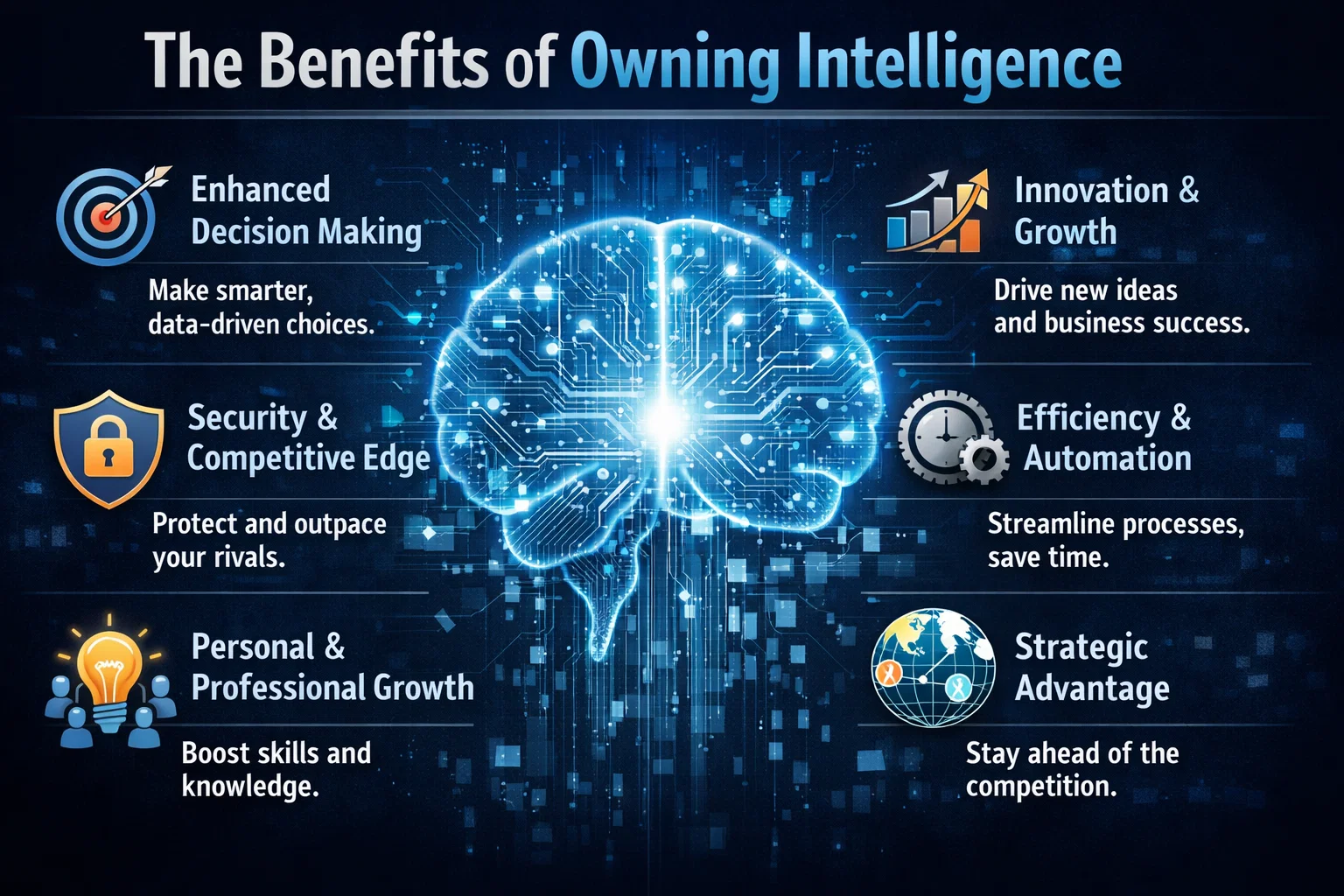
The Benefits of Owning Intelligence
So why should enterprises prioritize intelligence ownership? The benefits are numerous. For one, owning intelligence provides a level of control and transparency that is difficult to achieve with rented intelligence. It also allows enterprises to develop systems that are tailored to their specific needs and goals, rather than relying on generic, off-the-shelf solutions. Additionally, owning intelligence can help enterprises to improve their overall security posture, as they are able to develop and implement their own security protocols and measures.
In contrast, rented intelligence can be limiting and inflexible. When enterprises rely on rented intelligence, they are often at the mercy of the provider, with limited control over the data, algorithms, and insights that drive their business decisions. This can lead to a lack of transparency, security risks, and a general sense of disempowerment.
Real-World Applications
So what does intelligence ownership look like in practice? One example is the development of custom GitHub repositories, which allow enterprises to own and control their code and data. Another example is the use of Azure and other cloud platforms to develop and deploy custom AI-powered solutions. By taking control of their intelligence, enterprises can develop systems that are tailored to their specific needs and goals, and that provide a level of security, transparency, and efficiency that is difficult to achieve with rented intelligence.

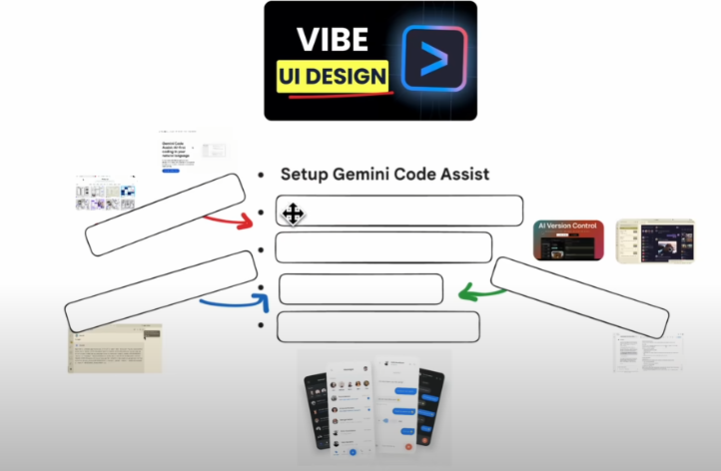 The complete agenda for our vibe coding journey.
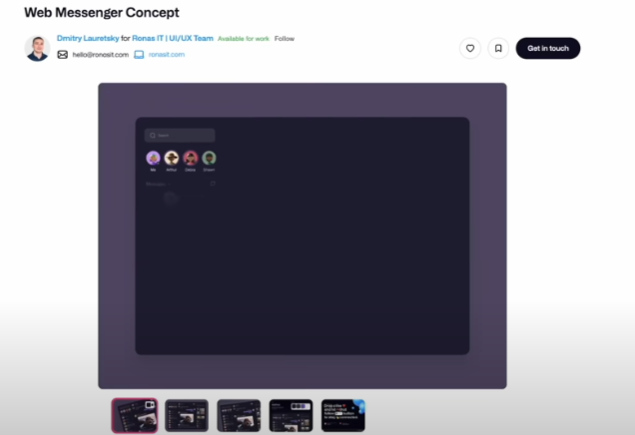 Our target UI design: a dark-themed web messenger concept.