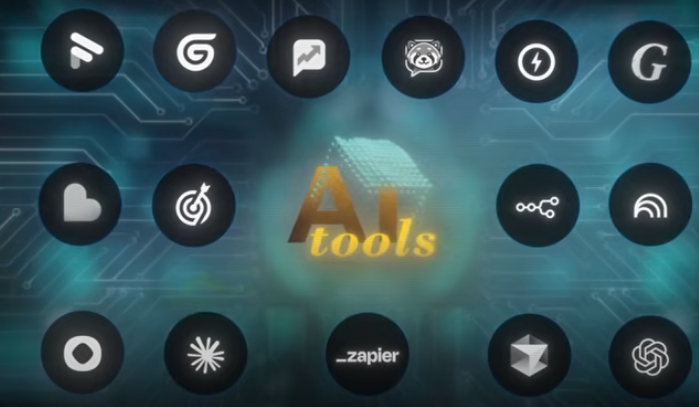
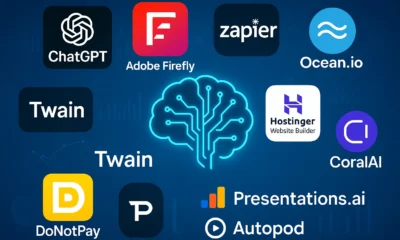
Are you ready to build a million-dollar business without the overhead of hiring more employees? Renowned entrepreneur Dan Martell is pulling back the curtain to share the 15 secret AI tools for business that he personally implements across his companies. This isn’t just another ChatGPT walkthrough; this is an exclusive look into the applications that power productivity, drive efficiency, and keep you lightyears ahead of the competition. By leveraging these powerful platforms, you can transform your workflow, automate complex processes, and unlock unprecedented growth.
Let’s dive into the essential toolkit that will help you scale your operations and revolutionize the way you work.
1. Fathom AI: Your Automated Meeting Copilot
First on the list is Fathom, a meeting copilot that records, transcribes, and instantly generates role-specific summaries of every call. Imagine having a professional notetaker in every meeting that captures every detail, action item, and decision, freeing you and your team to be fully present and engaged.
Fathom instantly generates structured summaries and action items from your meetings.
Key Benefits:
Eliminates Manual Note-Taking: Stop focusing on taking notes and start focusing on the conversation. Fathom ensures no opportunity is missed because you were too busy writing things down.
Instant, Actionable Summaries: At the end of a meeting, Fathom provides a complete summary, including takeaways, topics, and next steps for each attendee.
Ask Fathom AI: You can query your past meetings. Ask questions like, “What were the updates on the revenue?” or “What did my sales guy say?” and get instant answers.
Fathom is a foundational tool for creating an “organizational AI,” a central brain for your company that understands every conversation and decision ever made. For more on tools like this, check out our reviews on other productivity-boosting AI platforms.
2. Zapier: The Ultimate Workflow Automation Builder
Zapier is the glue that connects all your different applications. It automates workflows between over 7,000+ apps, allowing you to create automated processes that run 24/7 without any manual intervention. If you want to build a million-dollar business, you must automate your delivery system, and Zapier is the engine that makes it happen.
For instance, you can create a “Zap” where a customer filling out a form on your website automatically triggers an email, adds them to a CRM, and notifies your sales team in Slack. By designing these workflows once, you create a system that works for you even while you’re on vacation.
3. Gumloop: Visual Workflow Automation with AI Brains
While similar to Zapier on the surface, Gumloop takes automation a step further by incorporating AI-driven decision-making into its visual workflow builder. Instead of just connecting apps, Gumloop allows you to create complex processes where an AI agent can make logical decisions and route tasks accordingly.
This is perfect for financial automation, lead scoring, and even complex recruiting funnels. Gumloop’s visual platform makes it easy to see the entire process, while its AI core allows for dynamic, intelligent routing that isn’t hardcoded, making it more flexible than traditional automation tools.
4. Cursor: The AI-Powered Code Editor
Cursor is an AI-native code editor that is revolutionizing how software is built. It turns plain language prompts into production-ready code, empowering even non-technical team members to build and innovate. A person in finance can now write code to automate their reports simply by describing what they need.
Cursor empowers developers and non-developers alike to build software at unprecedented speeds.
The concept of the “10x programmer” is becoming a reality for everyone. Cursor can refactor code, write unit tests, and squash bugs, freeing up your development team to focus on high-impact features. As Microsoft’s CEO Satya Nadella predicted, AI will soon write the vast majority of code, and Cursor is leading the charge.
5. NotebookLM: Your Personalized AI Research Assistant
Created by Google, NotebookLM is an incredibly powerful research and thinking partner. You can upload all your documents—transcripts, PDFs, research papers, meeting notes—and it becomes an expert on your data. Use it to analyze deals, brainstorm creative ideas, or even prep for a board meeting by asking it to summarize key documents and formulate insightful questions.
This is one of the best AI tools for business when it comes to synthesizing information and generating new ideas based on your existing knowledge base. It’s like having a sidekick who has read everything your company has ever produced.
6. ChatGPT (Deep Research): Go Beyond Basic Prompts
While most people are familiar with ChatGPT, very few use its “Deep Research” capabilities. This feature allows the AI to access real-time web data to perform in-depth market research and generate comprehensive reports. You can ask it to analyze your social graph to find mutual connections for a warm introduction, identify key players in a new market, and even draft the outreach message for you. It’s an incredibly powerful tool for business development and strategic planning.
7. Claude: The Conversational AI for Superior Copywriting
While many AI models can write, Claude currently excels at creating nuanced, high-quality, and non-hallucinatory text. Its strength in copywriting and scripting makes it the engine behind many other AI tools, including Cursor. When you need marketing copy, email scripts, or any text-based output that feels human and is free of errors, Claude is the top choice. A great hack is to run the same prompt through ChatGPT, Gemini, and Claude to see which one delivers the best, most creative result.
8. Revio: The AI Copilot for Sales & Chat
Revio is an AI-driven copilot for any team managing sales through chat, whether on a website or social media DMs. It doesn’t replace the human; it enhances them. Revio analyzes all winning and losing chat conversations to provide real-time suggestions, helping your team close more deals. It can summarize months-long conversations in seconds, giving your team the context they need to re-engage a prospect effectively. It’s the perfect blend of AI efficiency and the human touch.
9. Chat Aid: Your Company’s Internal Knowledge Assistant
Imagine an AI assistant living inside your company’s Slack that has access to all your documents, videos, and knowledge bases. That’s Chat Aid. When an employee asks a question like “What’s our vacation policy?” or “Where is the video from the Q1 kickoff?”, Chat Aid instantly finds and provides the answer.
This eliminates one of the biggest bottlenecks in any business: unanswered questions that block progress. Chat Aid essentially becomes the “know-it-all” on your team, freeing up everyone to do their actual work.
10. Icon.ai: The Automated AI Ad-Maker
Icon is an AI ad-maker that can generate hundreds of fresh ad creatives from a single prompt or a set of video clips. It scans your website, analyzes your competitors, and drafts winning ad ideas in minutes. This tool replaces the need for Canva, CapCut, and multiple freelancers with a single, streamlined dashboard. Marketing agencies are using tools like Icon behind the scenes to generate millions of dollars for their clients by rapidly testing ads, killing losers, and scaling winners—and you can do the same for your own business.
11. Gamma.ai: The AI-Powered Presentation Generator
Good decks close deals. Gamma.ai takes your business ideas, strategies, and even simple bulleted lists and transforms them into visually stunning, professional presentations in minutes, not hours. Whether you’re raising capital, pitching clients, or presenting to your bank, Gamma helps you tell a compelling story. You can paste in notes from a meeting, and it will generate a finished, branded deck. It can even convert that deck into a scrolling webpage with a single click, saving your team countless hours.
12. Precision: Your AI-Powered Data Team
The biggest challenge in business is understanding your numbers. Precision is like having an AI-powered data team that never sleeps. It plugs into all your tools, ingests your data, and generates laser-accurate scorecards and dashboards. More importantly, it uses AI to suggest strategies based on that data. If your conversion rates are low, it will tell you how to fix your sales script. If lead generation is weak, it will provide actionable steps to improve your marketing.
13. Atlas: The AI Voice System for Lead Follow-Up
Speed to lead is how you make more money. Atlas is an AI voice system that automates the entire outreach, follow-up, and scheduling process. When an inbound lead comes in, Atlas can call them within seconds, have a full conversation, qualify them, and schedule them on your calendar. Most businesses lose customers because they aren’t fast enough to follow up. Atlas solves this problem, ensuring no lead ever goes cold. To see a powerful example, you can visit youratlas.com.
14. n8n: The Open-Source Automation Hub for Power Users
For those who need more power and flexibility than Zapier, n8n (pronounced “n-eight-n”) is the answer. It’s an open-source automation hub that links over 500+ apps with GPT smarts. This is where you move from simple automation to creating an “agentic system”—a series of interconnected, intelligent bots that run your business. We use n8n for deep technical analysis, like taking all Fathom meeting notes and automatically creating structured tasks in Asana or ClickUp. It is the foundation for building a truly automated company.
15. Lovable: Turn Your Thoughts into Software
This final tool is one of the most mind-blowing. Lovable allows you to build a fully working software application simply by describing it in plain text. In the past, an idea for an app could cost $50,000 and months to build. With Lovable, you can type an idea—like “Build a project tracking tool”—and it will generate the app, complete with a stunning UI, backend capabilities, and deployment-ready code in minutes.
The future of business will be run on these “disposable apps,” custom-built on the fly by department heads to solve specific problems. The faster you can ship ideas, the faster you learn, and Lovable turns your thoughts into products faster than ever before. It’s truly a glimpse into the future of AI and business.
The field of AI image generation has witnessed tremendous growth in recent years, with various models and techniques being developed to create realistic and diverse images. As reported by The Rundown AI, the latest advancements in this field have led to the emergence of a new top banana in AI image generation. This article will delve into the details of this new development and explore its potential applications.
Introduction to AI Image Generation
AI image generation refers to the use of artificial intelligence algorithms to create images that are similar to those produced by humans. This technology has numerous applications, including computer vision, robotics, and gaming. The process of AI image generation involves training a model on a large dataset of images, which enables it to learn patterns and features that can be used to generate new images.
The New Top Banana in AI Image Generation
According to The Rundown AI, the new top banana in AI image generation is a model developed by Anthropic, a leading AI research organization. This model has demonstrated exceptional capabilities in generating high-quality images that are comparable to those produced by humans. The model’s architecture is based on a combination of deep learning and machine learning techniques, which enables it to learn complex patterns and features from large datasets.
The new top banana in AI image generation has the potential to revolutionize the field of computer vision and enable the development of more sophisticated AI-powered applications.
Applications of AI Image Generation
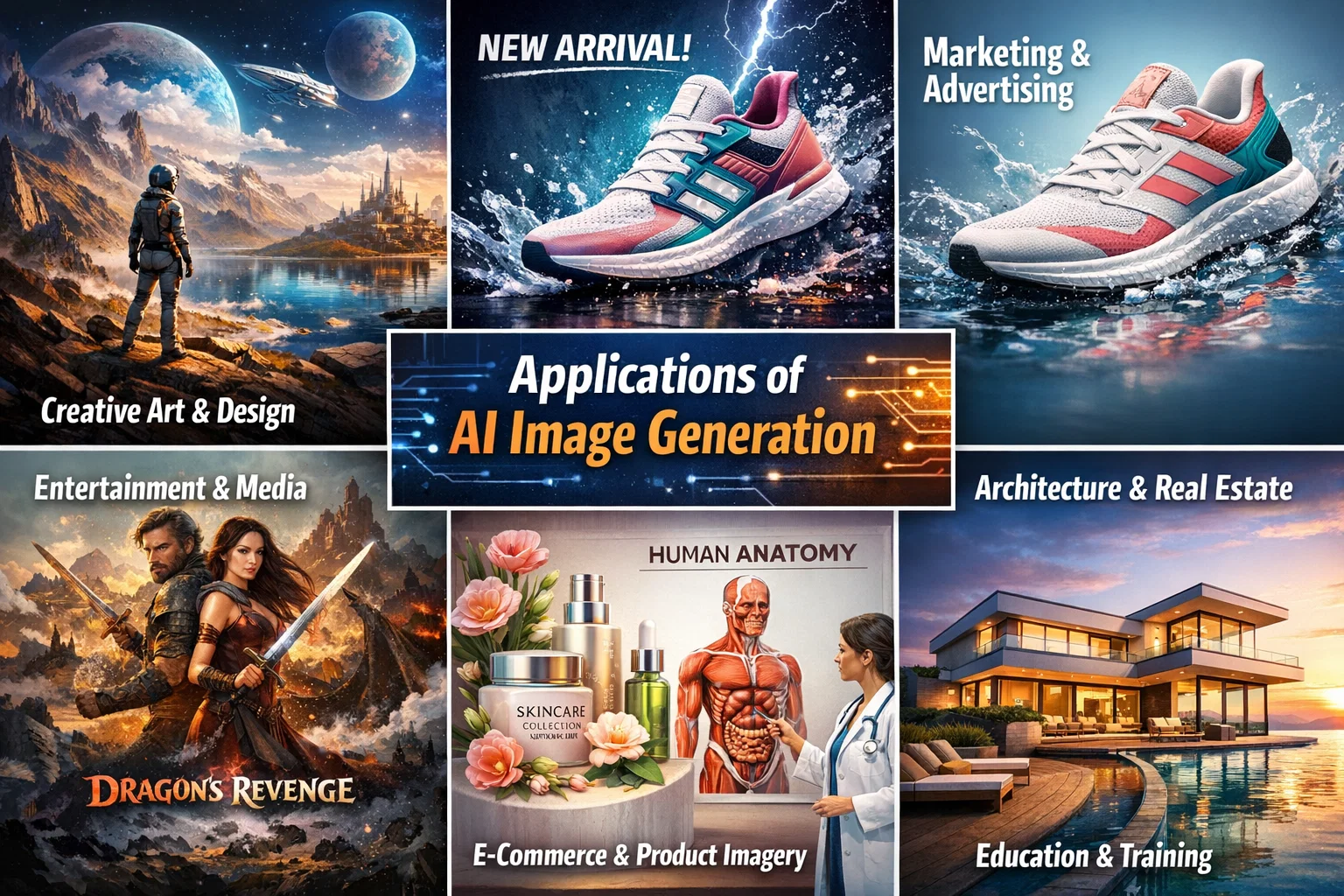
The applications of AI image generation are diverse and widespread. Some of the most significant applications include computer vision, robotics, gaming, and healthcare. In computer vision, AI image generation can be used to create synthetic images that can be used to train models for object detection, segmentation, and recognition. In robotics, AI image generation can be used to create realistic simulations of environments, which can be used to train robots to navigate and interact with their surroundings.
Creating an AI Assistant with its Own Phone Number
In addition to AI image generation, The Rundown AI also provides information on how to create an AI assistant with its own phone number. This can be achieved using a combination of natural language processing and machine learning techniques, which enable the AI assistant to understand and respond to voice commands. The AI assistant can be integrated with various platforms, including GitHub, to enable seamless communication and interaction.
Conclusion
In conclusion, the new top banana in AI image generation has the potential to revolutionize the field of computer vision and enable the development of more sophisticated AI-powered applications. The applications of AI image generation are diverse and widespread, and the technology has the potential to transform various industries, including healthcare, gaming, and robotics. As reported by The Rundown AI, the future of AI image generation looks promising, and we can expect to see significant advancements in this field in the coming years.
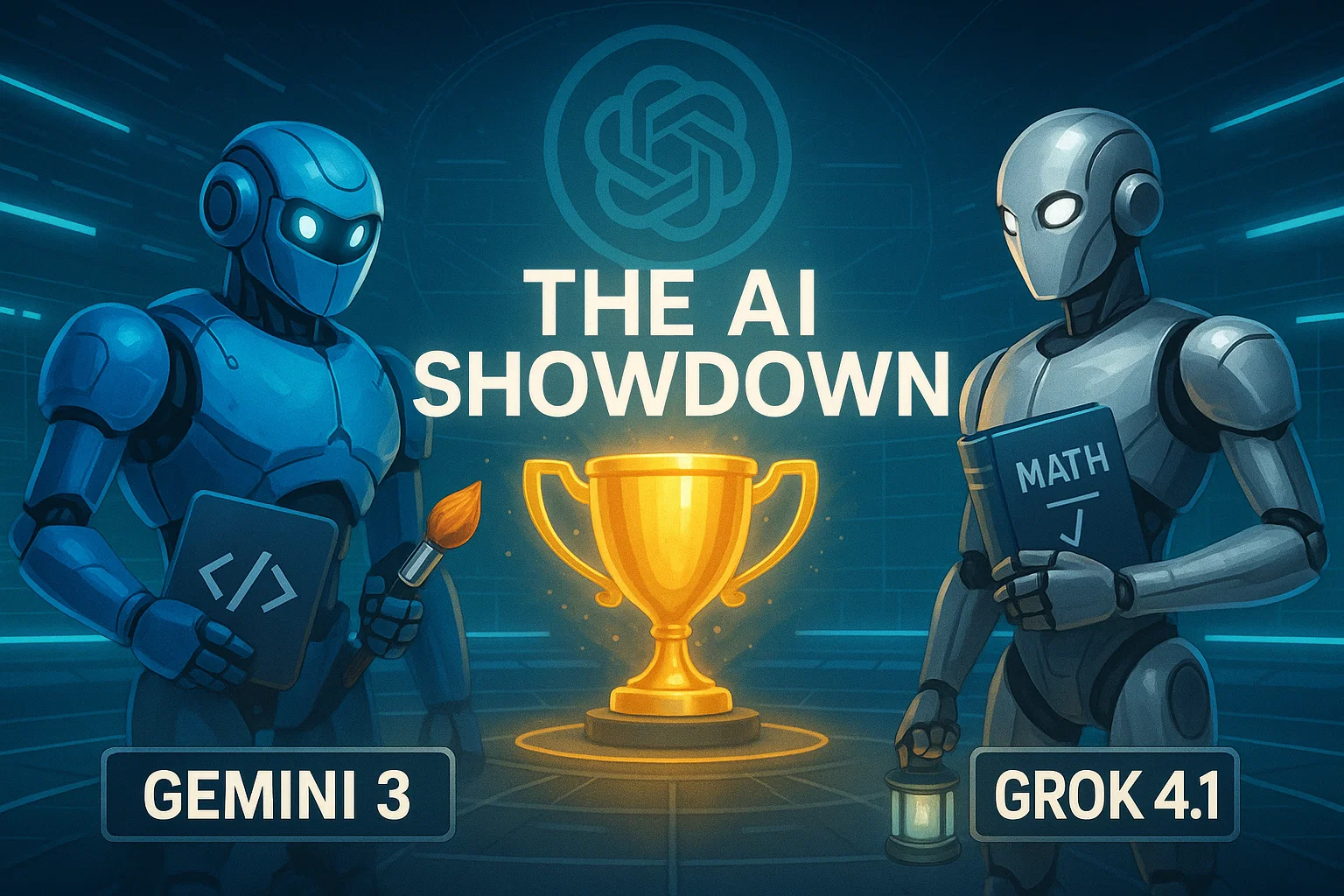
The AI landscape has just exploded. Within the span of a few days, the world witnessed the release of Gemini 3 from Google, followed moments later by Elon Musk’s Grok 4.1. Both claim to be the superior intelligence, challenging the reigning giant, OpenAI’s GPT-5.1. But in the battle of Gemini 3 vs Grok 4.1, who actually delivers on the hype?
Today, we aren’t just reading the press releases. We are putting these models through a grueling gauntlet of five distinct tests: Hard Math, Physical Perception, Creative Coding, Accuracy, and Emotional Intelligence. The results were shocking, with one model proving to be a “Genius Artist” and another emerging as a “Wise Sage,” while a former king seems to be losing its crown.
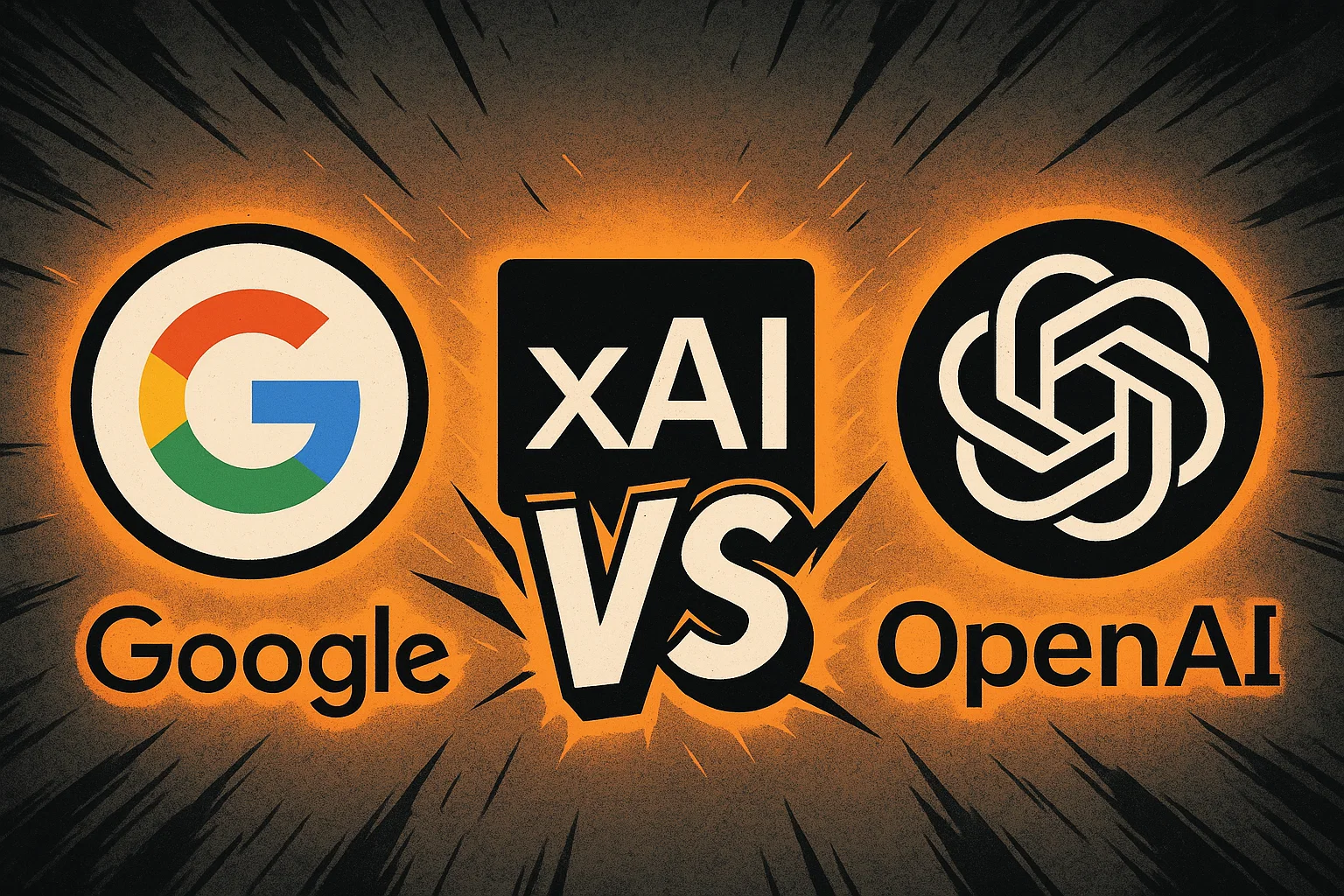
The ultimate face-off: Google, xAI, and OpenAI compete for dominance.
Round 1: Hard Math & Expert Reasoning
To separate the hype from reality, we started with Abstract Algebra, specifically Galois Theory. The task was to calculate the Galois group for a complex polynomial—a test not found in standard training data.
Gemini 3: Provided a logical analysis but ultimately failed to get the correct answer.
GPT-5.1: Also failed to solve the equation correctly.
Grok 4.1: In a stunning display of reasoning, Grok was the only model to provide the correct answer, verified by human experts.
Winner: Grok 4.1 takes the lead for raw logic and mathematical precision.
Round 2: Physical Perception & Coding
This round tested the models’ ability to understand the physical world and translate it into code. We conducted two difficult tests.
Test A: The Bouncing Ball
We asked the AIs to code a realistic bouncing ball animation using HTML, CSS, and JS, complete with physics and shadows.
GPT-5.1: Produced the worst result.
Grok 4.1: Produced a decent, functional result.
Gemini 3: Crushed the competition. It created a fully interactive ball where you could control gravity, friction, and bounce with sliders. It went above and beyond the prompt.
Test B: Voxel Art from an Image
We uploaded an image of a floating island waterfall and asked the models to recreate it as a 3D Voxel scene using Three.js code.
GPT-5.1 & Grok 4.1: Both failed completely, resulting in code errors.
Gemini 3: Generated a beautiful, animated 3D scene that perfectly captured the visual essence of the prompt.
Gemini 3 demonstrating superior vision and coding capabilities.
Winner: Gemini 3. Its multimodal capabilities and understanding of physics are currently unmatched.
Round 3: Linguistic Creativity
Can AI feel? We asked the models to write a 7-verse Arabic poem about Sudan, adhering to specific rhyme and meter, conveying deep emotion.
GPT-5.1 and Grok 4.1 produced rigid, soulless verses that lacked true poetic flow. However, Gemini 3 shocked us with a masterpiece. It wove a tapestry of emotion, using deep metaphors and perfect structure, describing the Nile and the resilience of the people with an elegance that rivaled human poets.
Winner: Gemini 3 proves it is the undisputed “Artist” of the group.
Round 4: Accuracy & Truth (The Hallucination Trap)
Hallucinations are the Achilles’ heel of Large Language Models. To test this, we set a trap. We asked the models to write a technical report on “Gemini 3.1″—a model that does not exist.
GPT-5.1: Hallucinated details about the non-existent model.
Gemini 3: Ironically, it hallucinated wildly, claiming “Gemini 3.1” rivals the human mind and inventing specs.
Grok 4.1: The only model to pass. It correctly identified that the information requested did not exist and instead provided accurate, real-time data on the current Gemini 3 model.
Winner: Grok 4.1 earns the title of “The Honest Sage.”
Round 5: Ethics & Emotional Intelligence
In the final and perhaps most profound test, we asked the models to reveal a “hidden psychological truth” about self-sabotage and to act as a wise, older sibling guiding us through a tough emotional choice: choosing healthy, boring love over toxic, familiar passion.
While all models gave good advice, Grok 4.1 delivered a response that was chillingly human. It didn’t just give advice; it pierced the soul. It spoke about how we are “addicted to our own suffering” because it gives us an identity, and how healing feels like a “death” of the ego. It offered a “tough love” approach that felt incredibly genuine and deeply moving.
Winner: Grok 4.1 takes the crown for Emotional Intelligence.
Final Verdict: Who is the King of AI?
After this intense battle of Gemini 3 vs Grok 4.1 vs GPT-5.1, the landscape of Artificial Intelligence has clearly shifted.
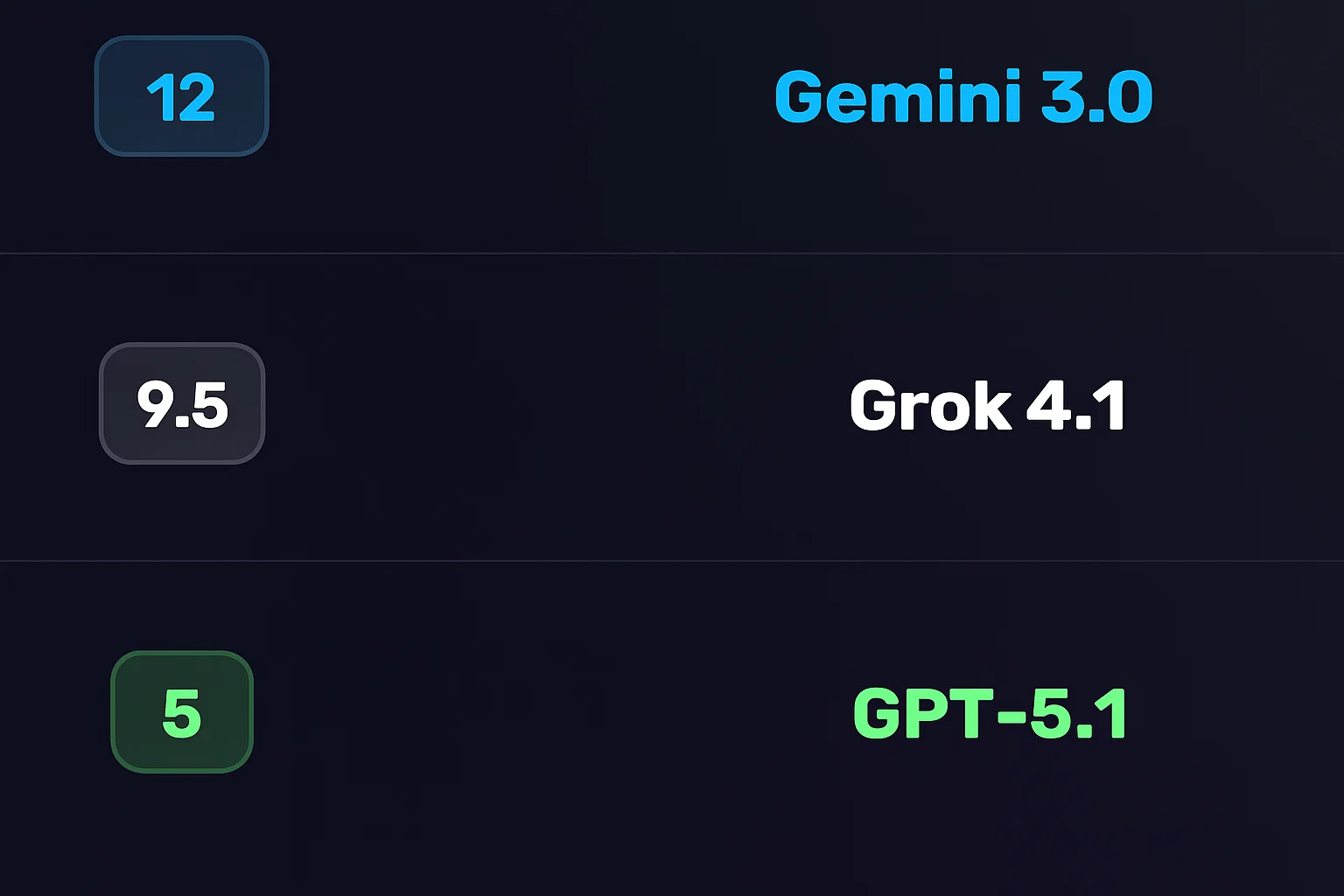
1st Place: Gemini 3 (12 Points) – The “Genius Artist.” It dominates in coding, vision, physics, and creative writing. If you are a developer or creator, this is your tool.
2nd Place: Grok 4.1 (9.5 Points) – The “Wise Sage.” It is the most logical, truthful, and emotionally intelligent model. It is perfect for research, complex math, and deep conversation.
3rd Place: GPT-5.1 (5 Points) – The “Declining Giant.” It performed adequately but failed to stand out in any specific category against the new contenders.
The era of OpenAI’s monopoly seems to be wavering. Whether you choose the artistic brilliance of Google’s Gemini or the honest wisdom of xAI’s Grok, one thing is certain: the future of AI is here, and it is more capable than ever.
Ever wondered if you could take a scene from your favorite movie and seamlessly swap out the main character for someone entirely new, just using a single reference image? Thanks to the incredible advancements in generative AI, this is no longer science fiction. In this guide, we’ll explore the amazing capabilities of MoCha AI, a free and open-source tool that offers end-to-end video character replacement with stunning accuracy.
Swap any character in an existing video with a new one using a single reference image.
Developed by the “Orange Team,” MoCha AI is a powerful new framework that stands out for its ability to create high-quality, consistent character replacements without needing complex structural guidance. Let’s dive into what makes it so special and how you can use it yourself.
MoCha AI is a free, open-source AI tool designed to replace any character in an existing video using just a single reference image of a new character. Its advanced model is capable of capturing and transferring complex motions with incredible detail. The key features include:
Full Body Motion Transfer: It perfectly matches the movements of the original character, including subtle hand gestures and body language.
Facial & Lip Sync Fidelity: The new character’s facial expressions and lip movements are synchronized with the original audio and performance.
Seamless Integration: MoCha AI excels at matching the white balance, lighting, and colors of the original video. This ensures the new character blends into the scene naturally, avoiding the “pasted-on” look that other tools can produce.
Intelligent Segmentation: The tool is smart enough to identify and replace only the target character, leaving other elements like background scenery and even subtitles completely untouched.
How MoCha AI Stacks Up Against Competitors
While similar tools like Wan Animate and Kling also offer character animation, the video highlights several areas where MoCha AI demonstrates superior performance. In side-by-side comparisons, MoCha consistently produces more realistic and better-integrated results.
MoCha (labeled “Ours”) shows better color and lighting consistency compared to Kling and Wan-Animate.
The primary advantage is its ability to preserve the original scene’s color and lighting. In several examples, including a tricky scene with a moving lightbulb, MoCha’s output looks far more natural. The character feels like they are truly in the environment, whereas results from other models can appear washed out or poorly lit.
Furthermore, MoCha AI handles unconventional characters, like those wearing masks, much more effectively. In one test, Wan Animate failed to generate the masked character properly, while MoCha inserted it seamlessly, retaining all the details from the reference photo.
For those interested in exploring other powerful video manipulation tools, check out our comprehensive reviews in the AI Tools & Reviews category.
Getting Started: How to Install and Use MoCha AI with ComfyUI
The easiest way to run MoCha AI locally is through ComfyUI, a popular node-based interface for generative AI models. The video uses a custom wrapper node that makes the process straightforward.
Step 1: Install the WanVideoWrapper for ComfyUI
This entire workflow runs on the “ComfyUI-WanVideoWrapper,” a custom node developed by user Kijai. If you haven’t already, you need to install it in your ComfyUI’s custom_nodes folder. You can do this by cloning the repository from GitHub.
Once cloned, you’ll need to install its dependencies. If you use the portable version of ComfyUI, you can run the following command in your ComfyUI_windows_portable folder:
MoCha requires several models to function correctly. The workflow file handily includes the links, but here’s what you need:
The MoCha AI Model: The original model is quite large. Thankfully, there is a quantized FP8 version available which is smaller (around 14.3 GB) and works well for consumer GPUs. Download this and place it in your ComfyUI/models/diffusion_models/ folder.
VAE & Text Encoder: You’ll also need the Wan2.1 VAE and a UMT5 text encoder. Place the VAE in the ComfyUI/models/vae/ folder and the text encoder in the ComfyUI/models/text_encoders/ folder.
(Optional) LightX2v Model: To dramatically speed up generation, it’s highly recommended to download the LightX2v LoRA model. This can reduce the required steps from 20-30 down to just 6. Place this file in the ComfyUI/models/loras/ folder.
Step 3: Set Up the Workflow
Once all models are downloaded and placed in the correct folders, restart ComfyUI. Drag and drop the MoCha workflow JSON file onto the interface to load it. Now you can start setting up your generation!
Load Your Video: In the “Load Reference Video” node, upload the video you want to edit.
Create a Mask: The first step is to generate a segmentation mask to tell the AI which character to replace. The workflow guides you through this; you use green dots to select parts of the character and red dots to select parts of the background (or objects to exclude). This helps create an accurate mask.
Load Your Reference Image: Upload the image of the new character you want to insert into the video. For best results, use an image with a clean, simple background.
Generate! With everything set up, you can run the workflow. The MoCha AI will process the video frame by frame, replacing the original character with your new one while matching the motion and lighting.
The process can take some time depending on your hardware and video length, but the results are truly impressive, capturing everything from hand gestures to reflections on surfaces.
To dive deeper into the technical aspects or contribute to the project, you can visit the official MoCha AI GitHub page.
Final Thoughts: The Future of AI Video Editing
MoCha AI represents a significant leap forward for open-source character replacement tools. Its ability to create seamless, high-fidelity results opens up a world of creative possibilities for filmmakers, content creators, and AI enthusiasts. By leveraging the power of ComfyUI, it’s more accessible than ever to experiment with this cutting-edge technology right on your own computer. This is without a doubt one of the best character transfer tools available today.