Are you a teacher tired of generating text in one AI prompt, comprehension questions in another, and vocabulary lists in a third, only to spend precious time copy-pasting everything into a single document? There’s a remarkably simple yet incredibly effective feature that solves this exact problem. The ChatGPT Canvas is a game-changing tool that acts as a single, evolving document, allowing you to build complex materials piece by piece without ever leaving the chat. This guide will show you exactly how to use it to streamline your workflow.
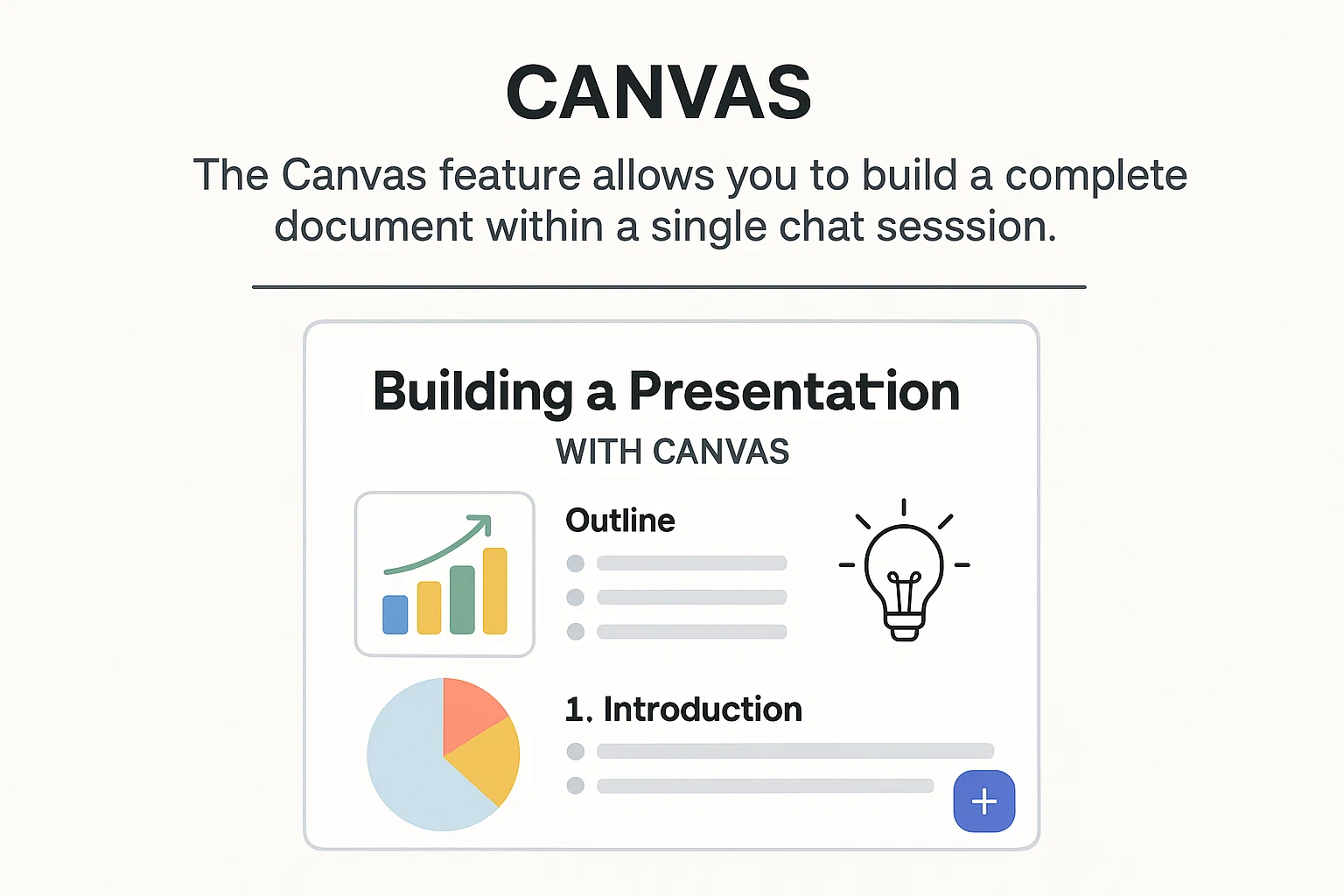
The Canvas feature allows you to build a complete document within a single chat session.
Think of the ChatGPT Canvas feature as a “living” document or a digital whiteboard. Instead of treating each prompt as a separate request that generates a new, isolated block of text, the Canvas allows you to continuously add to, and even re-organize, a single cohesive document. You can ask ChatGPT to write a text, then follow up by asking it to add comprehension questions to the same canvas. You can then ask it to place a vocabulary table above the text you just generated.
The AI understands that you are “painting” onto this one canvas, saving you the hassle of manual formatting and consolidation. Everything is kept together, correctly formatted, and ready for use in one place.
How to Use ChatGPT Canvas: A Step-by-Step Guide
Let’s walk through the process of creating a complete language learning worksheet for an intermediate (B1 level) student, just like in the demonstration. The key is to remember to tell ChatGPT to add new content “to the canvas.”
Step 1: Starting Your Canvas Session
To begin, simply start a new chat in ChatGPT. In the prompt box, click the plus (+) icon, navigate to “More,” and select “Canvas.” This tells ChatGPT that you intend to build a single document throughout your conversation.
Step 2: Generating the Core Text
Start with your main piece of content. Using your voice or by typing, give a clear instruction.
Example Prompt:"Can you produce for me a text for students of level B1, so intermediate level of English. I'd like a text about the benefits of eating honey and why honey is so good for you. Can you limit it to about 500 words?"
ChatGPT will generate the reading text and place it on your canvas.
Now, let’s add some pre-reading support. The beauty of the ChatGPT Canvas is that you can specify where you want new content to go.
Example Prompt:"Can you add 10 words at the top of the text, above the text, that my students could study before reading? Can you provide those words for me in a two-column table, so my students can see the words in English and the translation into Spanish? And can you do that above the text?"
ChatGPT will now regenerate the canvas, placing the vocabulary table exactly where you asked—before the main text.
Step 4: Appending Exercises and Questions
Next, you’ll want to add activities to check for understanding. Again, specify the location.
Example Prompt:"Can you add eight comprehension questions to go under the text to check my students' understanding of the text?"
The canvas will be updated again, with the new questions appearing below the reading passage, creating a perfectly structured worksheet.
Step 5: Integrating External Resources
You can even enrich your document with external links. This is great for creating blended learning materials.
Example Prompt:"Can you find me a useful video about honey production on YouTube that my students might be able to watch and that would go along well with the text? Can you add that to the bottom of the canvas?"
ChatGPT will search for a relevant video and add a title and link to the bottom of your document, completing your lesson plan.
The final output is a ready-to-use PDF, all created within one seamless process.
Why This is a Game-Changer for Teachers
The ChatGPT Canvas feature is more than just a convenience; it’s a powerful productivity tool for educators and content creators. Here’s why it’s so valuable:
Time-Saving: It eliminates the tedious task of copying and pasting from multiple outputs.
Cohesive Creation: It keeps all related content—text, vocabulary, questions, links—together in a single, organized document from start to finish.
Intelligent Formatting: It handles tables, lists, and headings, producing a clean, professional-looking layout.
Easy Exporting: Once you’re finished, you can instantly download your entire canvas as a PDF or Word document, ready to print or share with your students.
While this example focused on language teaching, this method can be applied to any subject. You can build a history worksheet, a science lab guide, or a business report with the same step-by-step approach.
This powerful feature is a must-try for any educator looking to leverage AI more efficiently. For more tips on using AI in your teaching, you might want to explore other AI how-to’s and tricks.
Link “AI how-to’s and tricks” to https://aigifter.com/category/ai-how-tos-tricks/
When first mentioning “ChatGPT,” you could link it to the official OpenAI site: https://openai.com/chatgpt/
The recent joint statement from Microsoft and OpenAI has reaffirmed their long-term AI partnership, as reported by FutureTools News. This commitment to collaboration is expected to drive innovation in the field of artificial intelligence and shape the future of technology. The partnership between Microsoft and OpenAI has been instrumental in developing cutting-edge AI solutions, including the integration of OpenAI’s models with Microsoft’s Azure cloud platform.
Background of the Partnership
The partnership between Microsoft and OpenAI was formed with the goal of advancing the field of artificial intelligence and developing new technologies that can benefit society. The collaboration has led to significant breakthroughs in areas such as natural language processing and computer vision. The joint statement from Microsoft and OpenAI emphasizes their shared commitment to responsible AI development and the importance of ensuring that AI systems are aligned with human values.
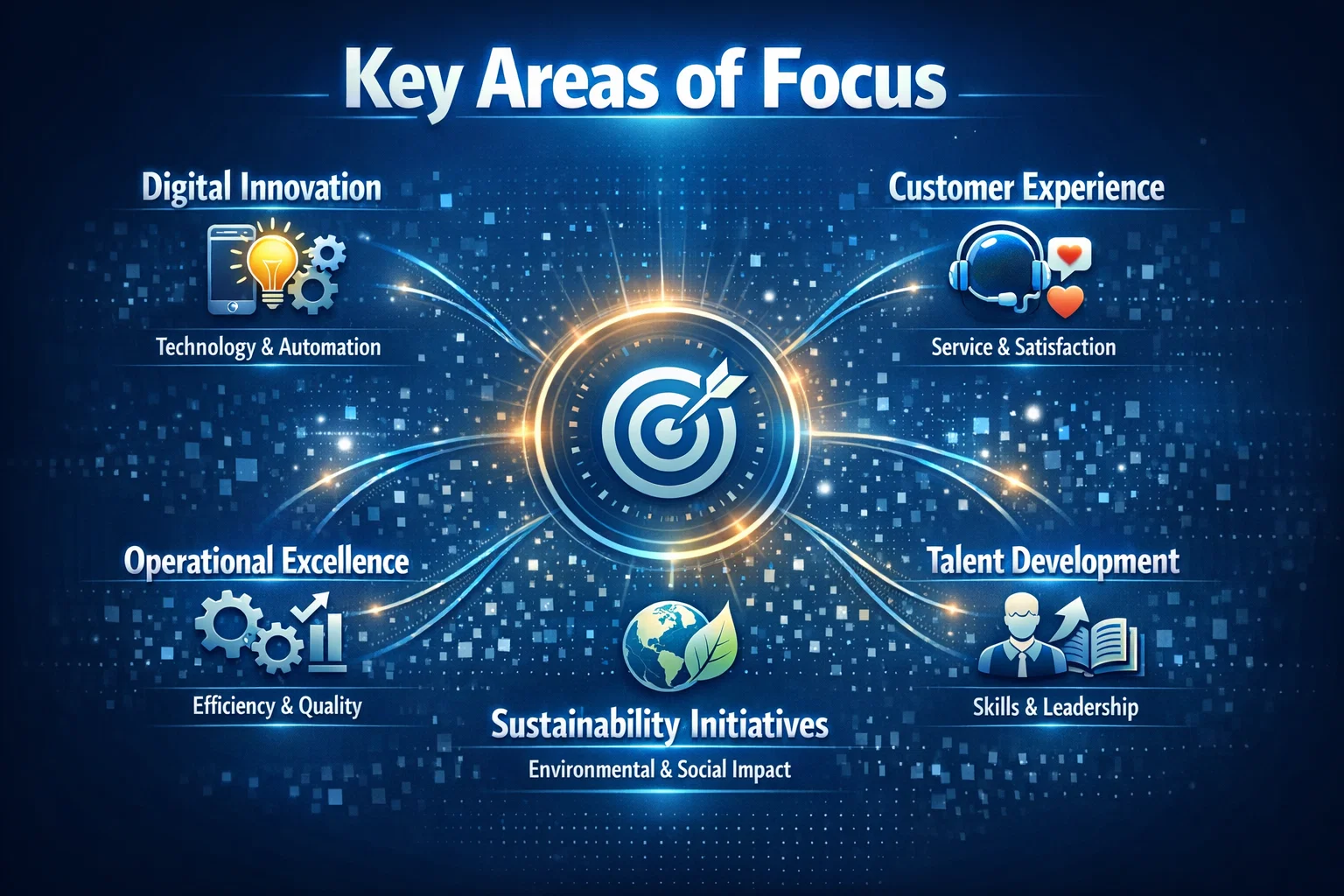
Key Areas of Focus
The partnership between Microsoft and OpenAI is focused on several key areas, including the development of large language models and the integration of AI with other technologies such as GitHub and AWS. The goal is to create AI systems that can learn and improve over time, and that can be used to solve complex problems in areas such as healthcare and education. As stated by a Microsoft spokesperson,
The partnership between Microsoft and OpenAI is a key part of our strategy to advance the field of artificial intelligence and to develop new technologies that can benefit society. We are committed to working together to ensure that AI systems are developed and used in ways that are responsible and aligned with human values.
Future Directions
The joint statement from Microsoft and OpenAI also highlights their plans for future collaboration and innovation. The partners are expected to continue working together to develop new AI technologies and to explore new applications for AI in areas such as cybersecurity and sustainability. The partnership is also expected to drive innovation in the field of AI ethics and to promote the development of AI systems that are transparent, explainable, and fair. As the field of artificial intelligence continues to evolve, the partnership between Microsoft and OpenAI is likely to play a significant role in shaping the future of technology and ensuring that AI systems are developed and used in ways that benefit society.
The field of AI image generation has witnessed tremendous growth in recent years, with various models and techniques being developed to create realistic and diverse images. As reported by The Rundown AI, the latest advancements in this field have led to the emergence of a new top banana in AI image generation. This article will delve into the details of this new development and explore its potential applications.
Introduction to AI Image Generation
AI image generation refers to the use of artificial intelligence algorithms to create images that are similar to those produced by humans. This technology has numerous applications, including computer vision, robotics, and gaming. The process of AI image generation involves training a model on a large dataset of images, which enables it to learn patterns and features that can be used to generate new images.
The New Top Banana in AI Image Generation
According to The Rundown AI, the new top banana in AI image generation is a model developed by Anthropic, a leading AI research organization. This model has demonstrated exceptional capabilities in generating high-quality images that are comparable to those produced by humans. The model’s architecture is based on a combination of deep learning and machine learning techniques, which enables it to learn complex patterns and features from large datasets.
The new top banana in AI image generation has the potential to revolutionize the field of computer vision and enable the development of more sophisticated AI-powered applications.
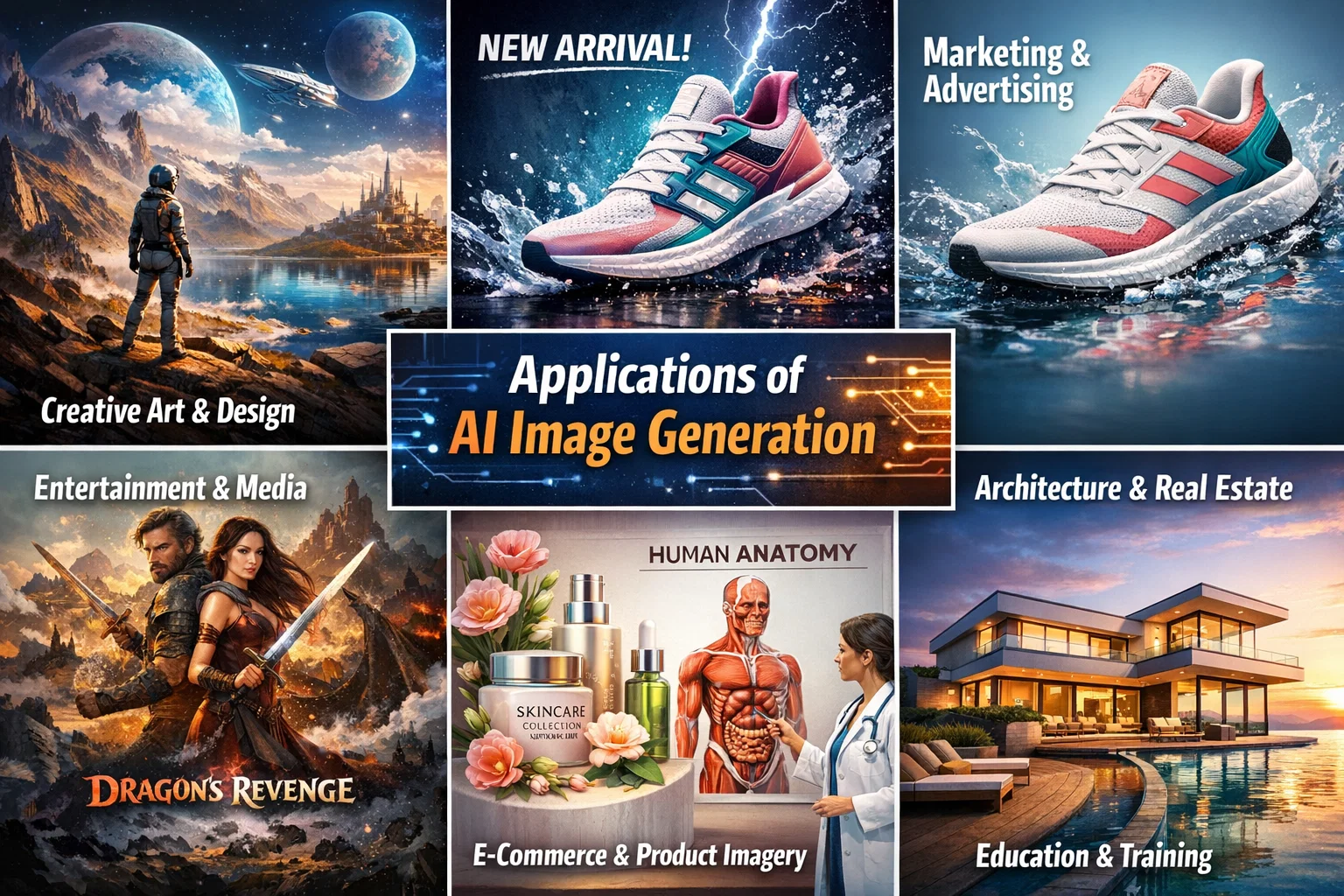
Applications of AI Image Generation
The applications of AI image generation are diverse and widespread. Some of the most significant applications include computer vision, robotics, gaming, and healthcare. In computer vision, AI image generation can be used to create synthetic images that can be used to train models for object detection, segmentation, and recognition. In robotics, AI image generation can be used to create realistic simulations of environments, which can be used to train robots to navigate and interact with their surroundings.
Creating an AI Assistant with its Own Phone Number
In addition to AI image generation, The Rundown AI also provides information on how to create an AI assistant with its own phone number. This can be achieved using a combination of natural language processing and machine learning techniques, which enable the AI assistant to understand and respond to voice commands. The AI assistant can be integrated with various platforms, including GitHub, to enable seamless communication and interaction.
Conclusion
In conclusion, the new top banana in AI image generation has the potential to revolutionize the field of computer vision and enable the development of more sophisticated AI-powered applications. The applications of AI image generation are diverse and widespread, and the technology has the potential to transform various industries, including healthcare, gaming, and robotics. As reported by The Rundown AI, the future of AI image generation looks promising, and we can expect to see significant advancements in this field in the coming years.
The concept of intelligence ownership has been gaining traction in recent years, and for good reason. As Cisco has demonstrated, owning intelligence rather than renting it can be a game-changer for enterprises looking to scale their operations securely. According to a recent article by The Rundown AI, Cisco’s strategy to scale agents securely and reshape enterprise workflows is a prime example of this shift.
The Importance of Intelligence Ownership
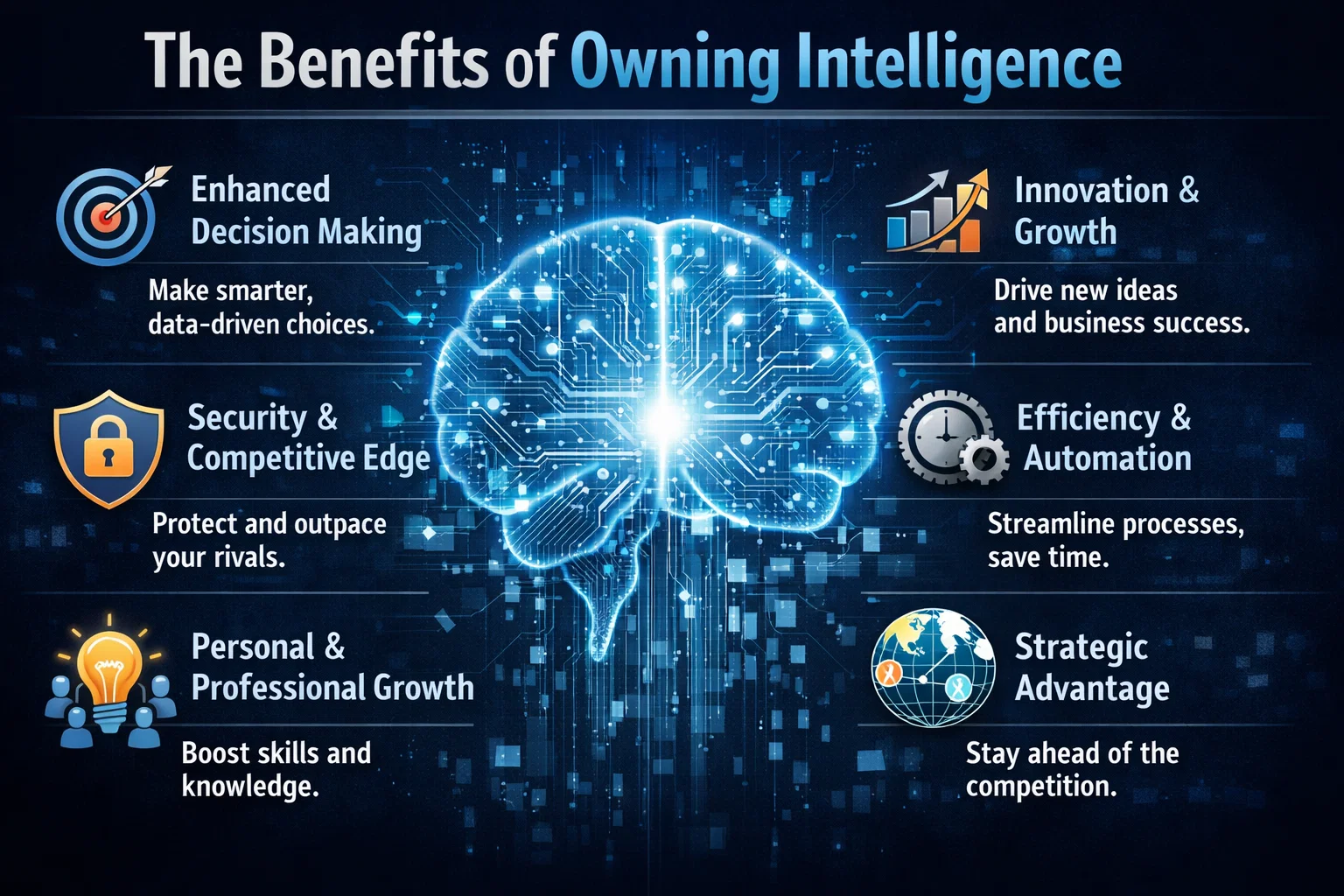
Owning intelligence means having control over the data, algorithms, and insights that drive business decisions. This is particularly crucial in today’s fast-paced, data-driven world, where artificial intelligence and machine learning are becoming increasingly prevalent. By owning their intelligence, enterprises can ensure that their systems are secure, transparent, and aligned with their overall goals.
Scaling Agents Securely with Cisco
Cisco’s approach to scaling agents securely is centered around the idea of intelligence ownership. By developing and owning their own AI-powered agents, Cisco is able to ensure that their systems are secure, efficient, and tailored to their specific needs. This approach has allowed Cisco to reshape their enterprise workflows and improve overall productivity. As AWS and other cloud providers continue to evolve, the importance of owning intelligence will only continue to grow.
Cisco’s strategy is a great example of how owning intelligence can help enterprises scale their operations securely and efficiently. By taking control of their data and algorithms, companies can ensure that their systems are aligned with their overall goals and values.
The Benefits of Owning Intelligence
So why should enterprises prioritize intelligence ownership? The benefits are numerous. For one, owning intelligence provides a level of control and transparency that is difficult to achieve with rented intelligence. It also allows enterprises to develop systems that are tailored to their specific needs and goals, rather than relying on generic, off-the-shelf solutions. Additionally, owning intelligence can help enterprises to improve their overall security posture, as they are able to develop and implement their own security protocols and measures.
In contrast, rented intelligence can be limiting and inflexible. When enterprises rely on rented intelligence, they are often at the mercy of the provider, with limited control over the data, algorithms, and insights that drive their business decisions. This can lead to a lack of transparency, security risks, and a general sense of disempowerment.
Real-World Applications
So what does intelligence ownership look like in practice? One example is the development of custom GitHub repositories, which allow enterprises to own and control their code and data. Another example is the use of Azure and other cloud platforms to develop and deploy custom AI-powered solutions. By taking control of their intelligence, enterprises can develop systems that are tailored to their specific needs and goals, and that provide a level of security, transparency, and efficiency that is difficult to achieve with rented intelligence.